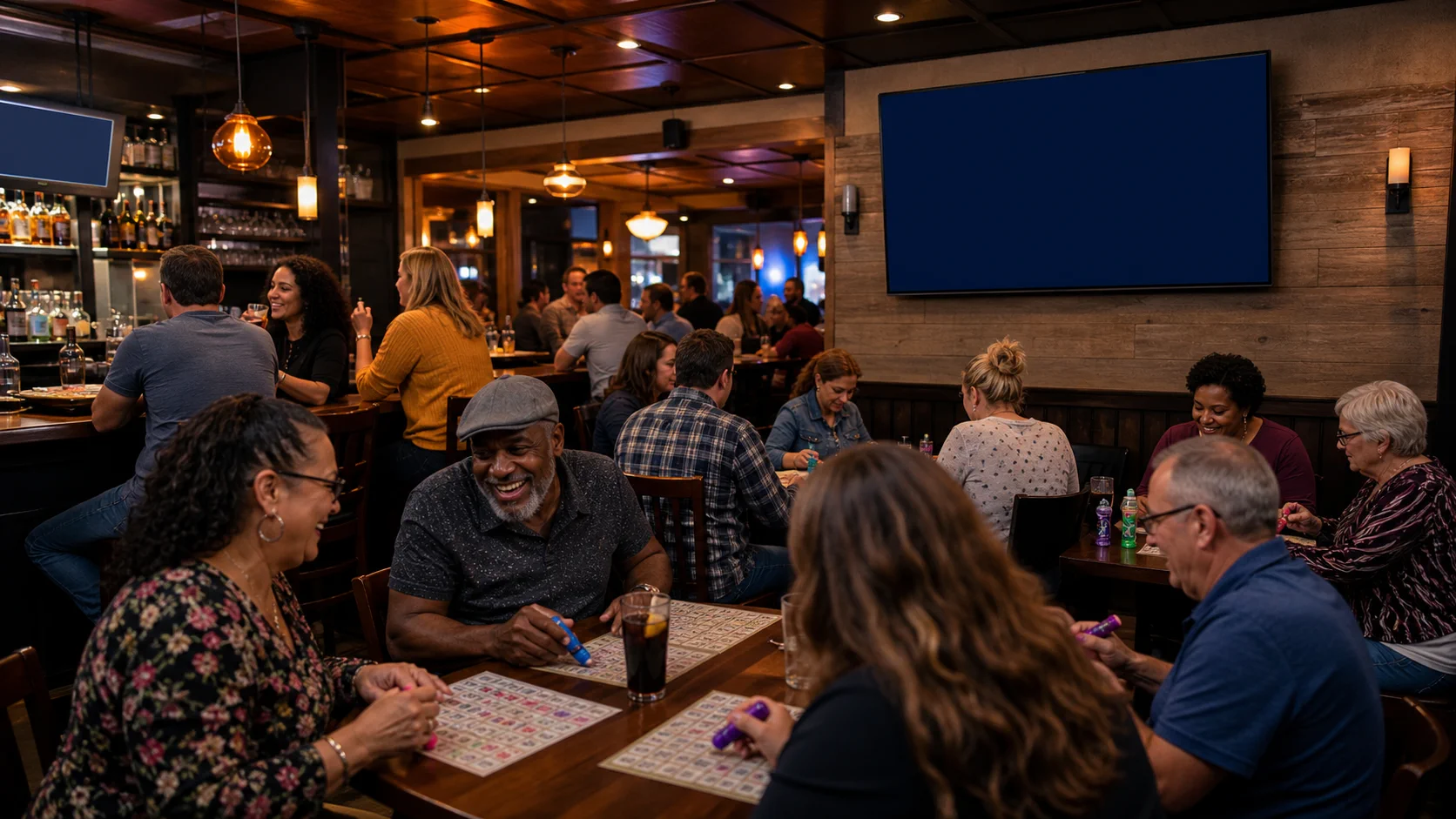
Turn a regular night into Bar Bingo.
Show the current ball, called numbers, and pattern on the room television so every table can follow the same live game.
 Lucky SquaresBingo Hall Software
Built for the whole bingo hall
Run calling, verification, card printing, player management, themed races, and your public display from one connected Lucky Squares system.
From ball call to verified result
Lucky Squares calls the game, accepts a permanent card number, and shows the room exactly what happened. Verification clearly distinguishes a winning card, a card that is not a winner, and a missed bingo completed before the latest ball.
 CURRENT SOFTWARE VIEW
One connected game-night platform
From the office to the caller table and every screen in the room, Lucky Squares gives your team the tools to run smoothly—and gives players a polished experience they will want to come back for.
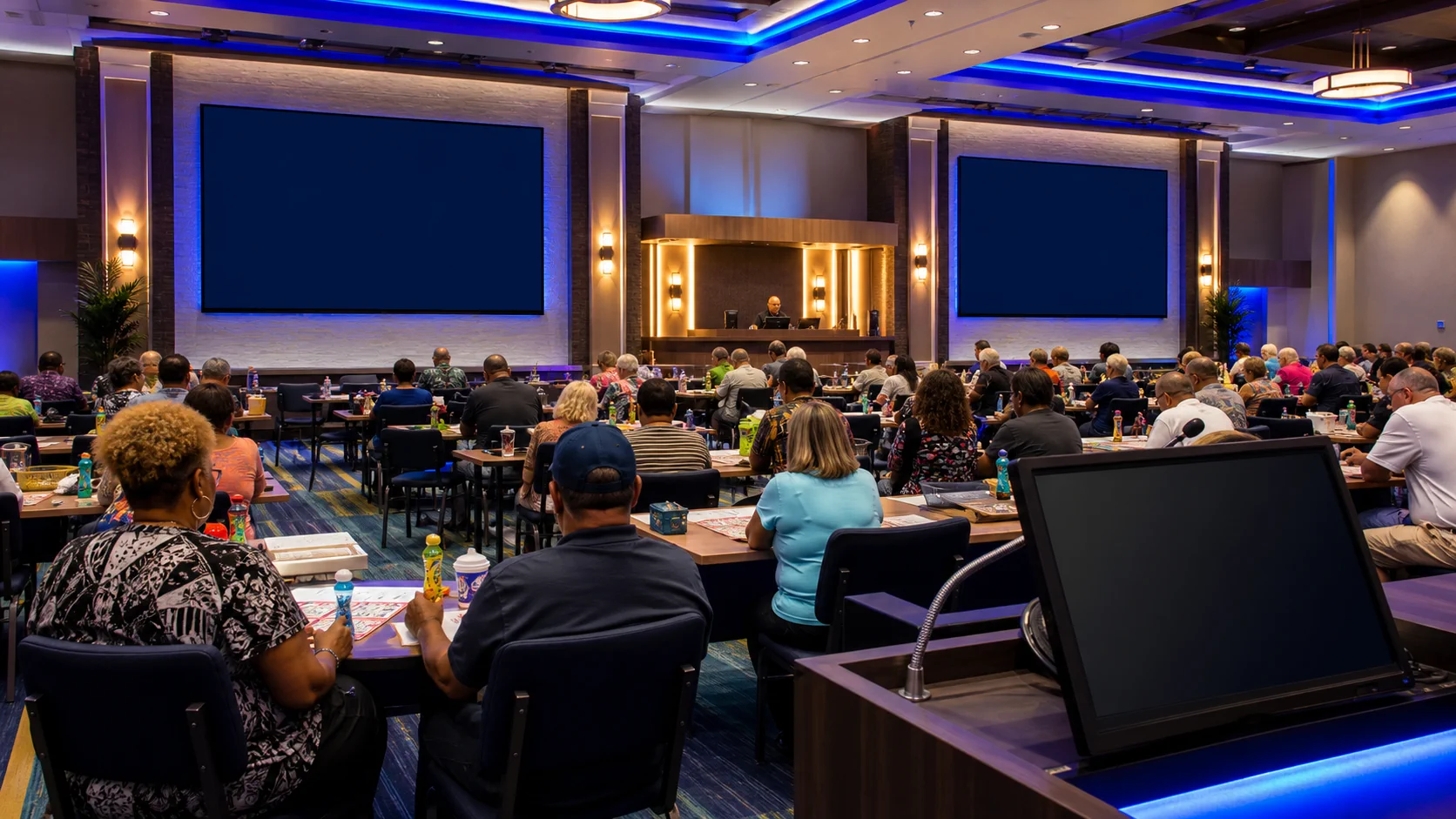
 PUBLIC DISPLAY
Built for touch from the start
Lucky Squares is fully touchscreen compatible and designed for a Windows PC with a 1920×1080 display. Connect the public flashboard to an available video output that supports 1920×1080, then control game night with clear, touch-friendly buttons and full-screen workspaces.
Made for community game nights
Bring a polished, easy-to-follow bingo experience to the room you already have. Lucky Squares turns an available television into a live public display while your team runs the game from a touchscreen-compatible Windows PC.
Show the current ball, called numbers, and pattern on the room television so every table can follow the same live game.
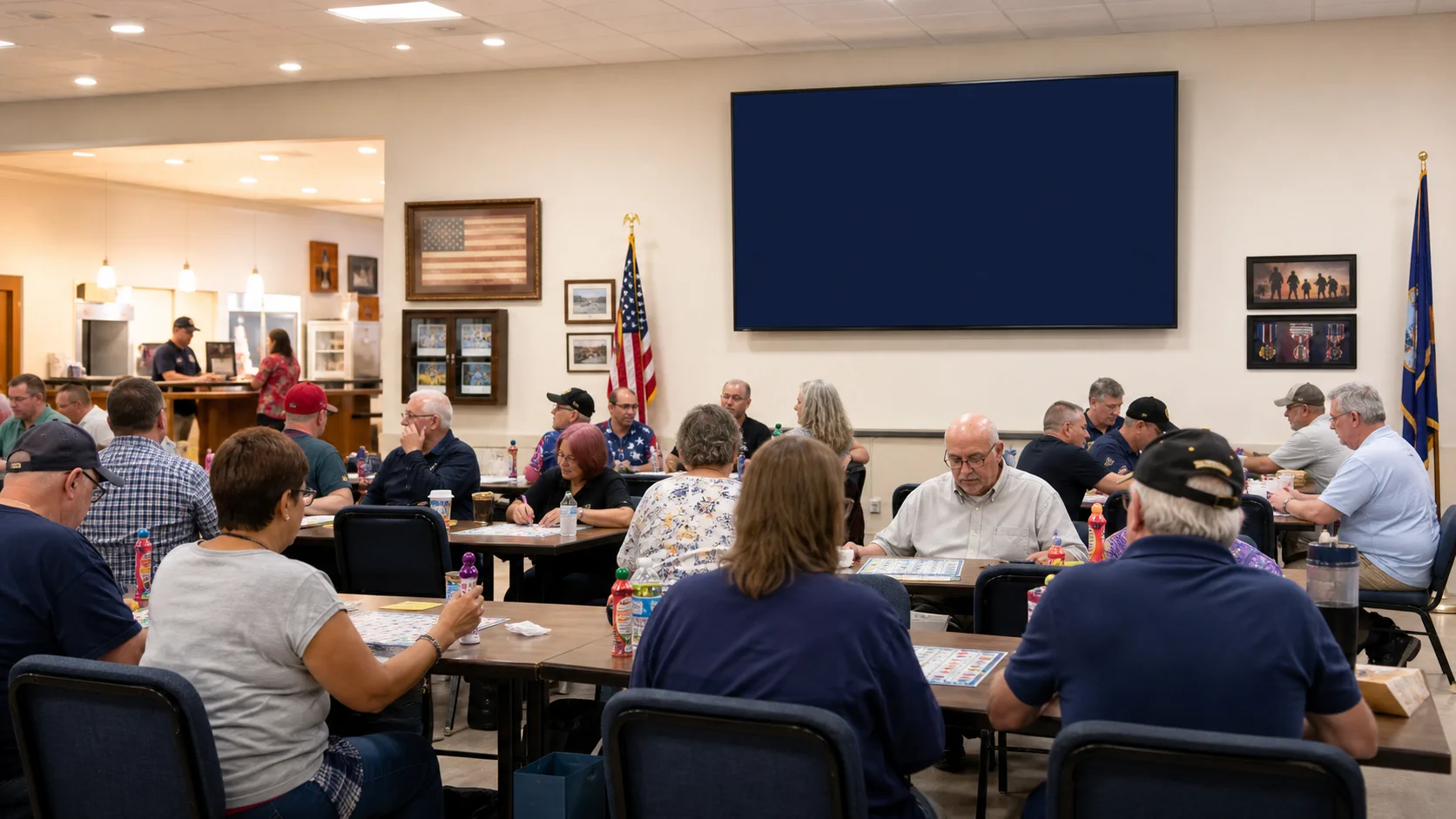
Display winning-card, not-a-winner, and missed-bingo results clearly while supporting the paper and hall traditions your post already knows.
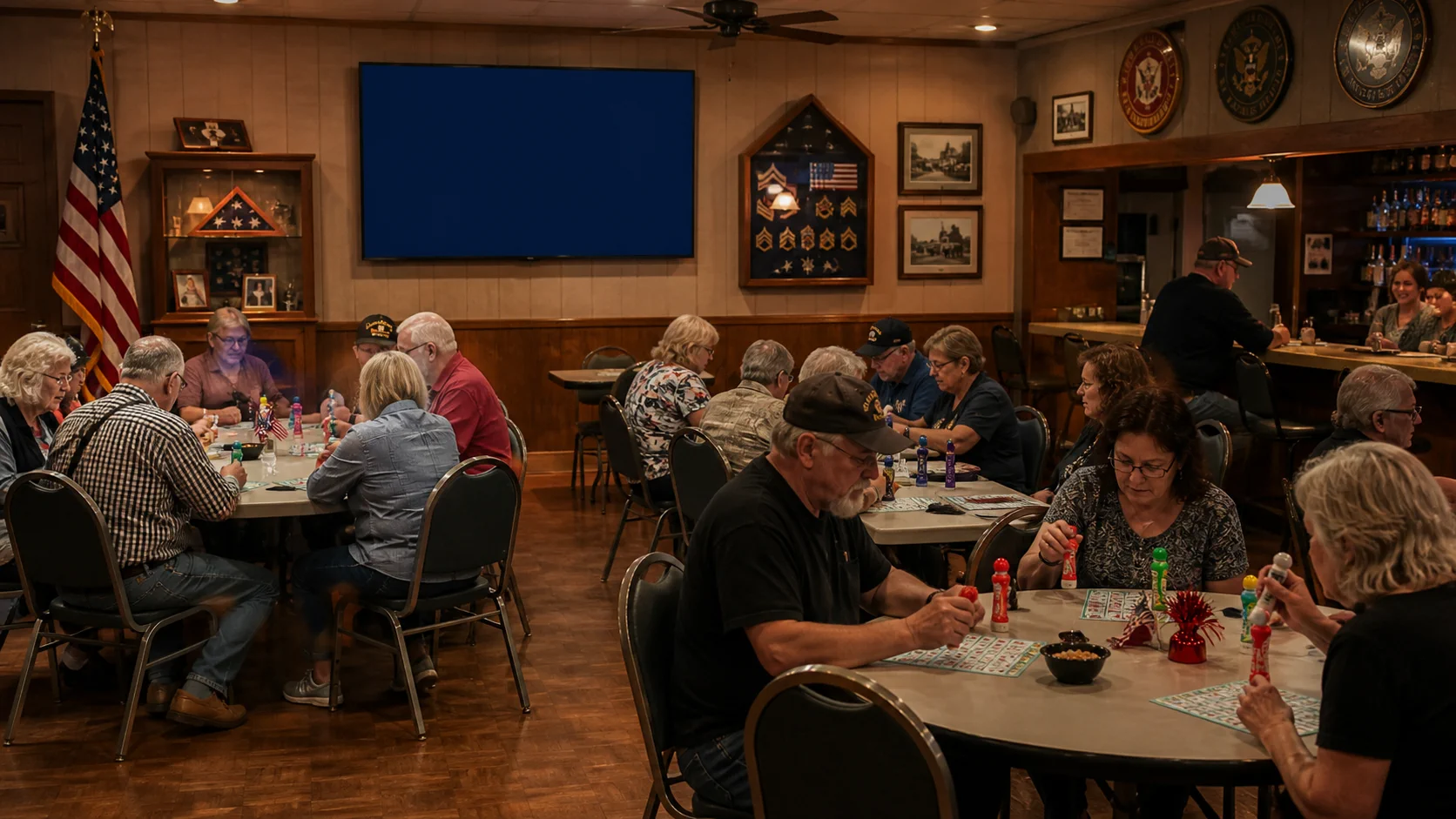
Use a different public display for Down-Line and themed racing, giving the whole room another reason to watch and participate.
Fundraisers made easier to run
Fire departments, churches, schools, and nonprofit groups can turn an ordinary room into a polished bingo fundraiser with clear public displays, touchscreen-friendly controls, printable paper, and instant verification.
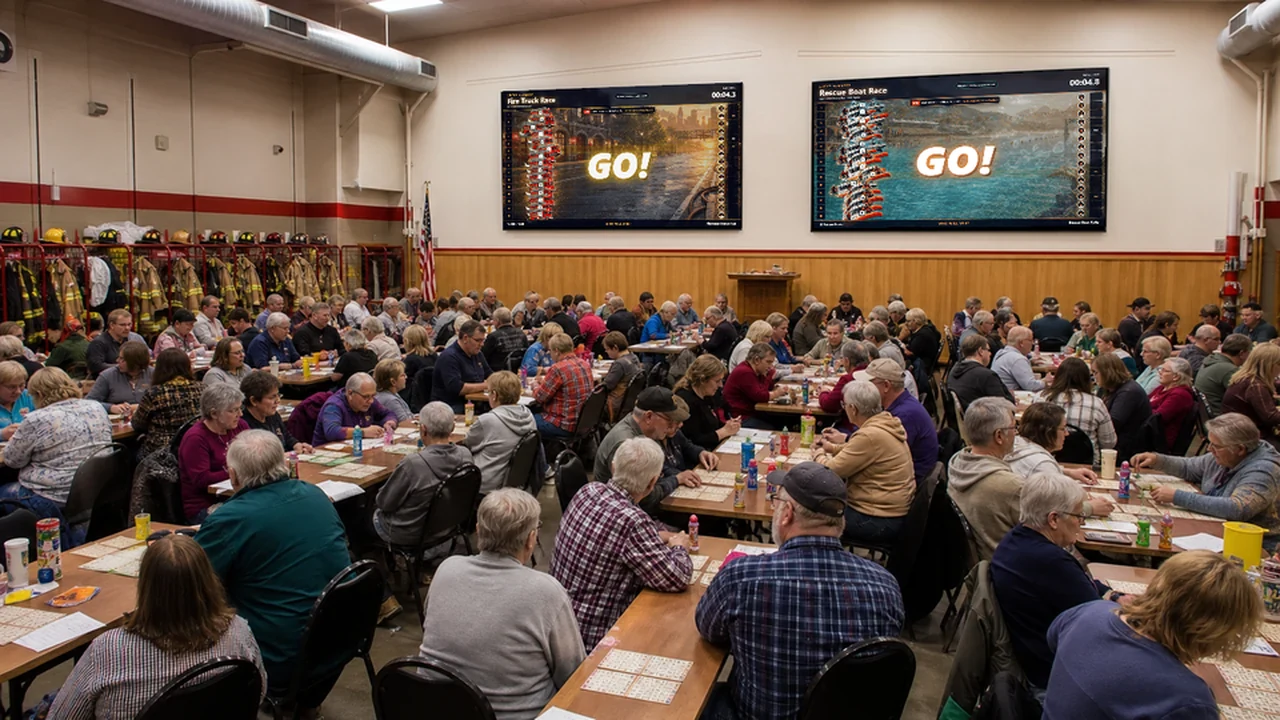
Fill the room while two separate televisions show different Lucky Squares race themes, giving every table a clear view of the entertainment.
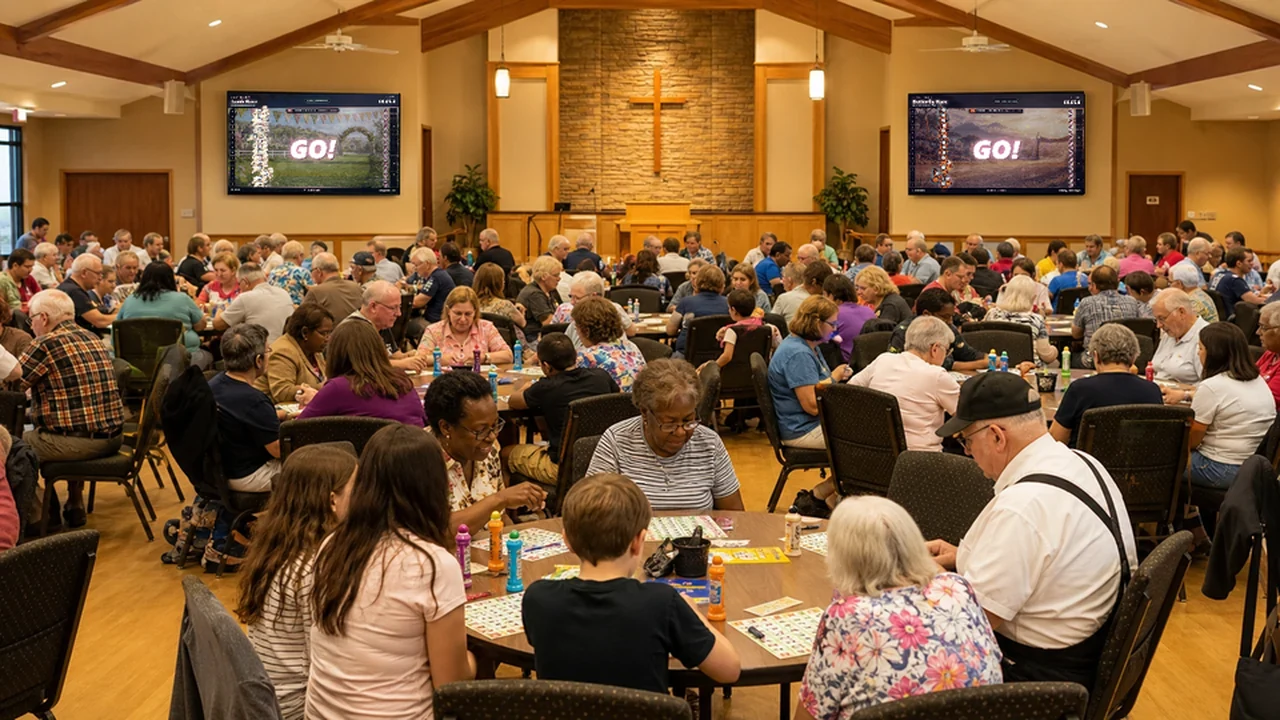
Give volunteers straightforward controls while two distinct public displays keep families and longtime members engaged throughout the event.
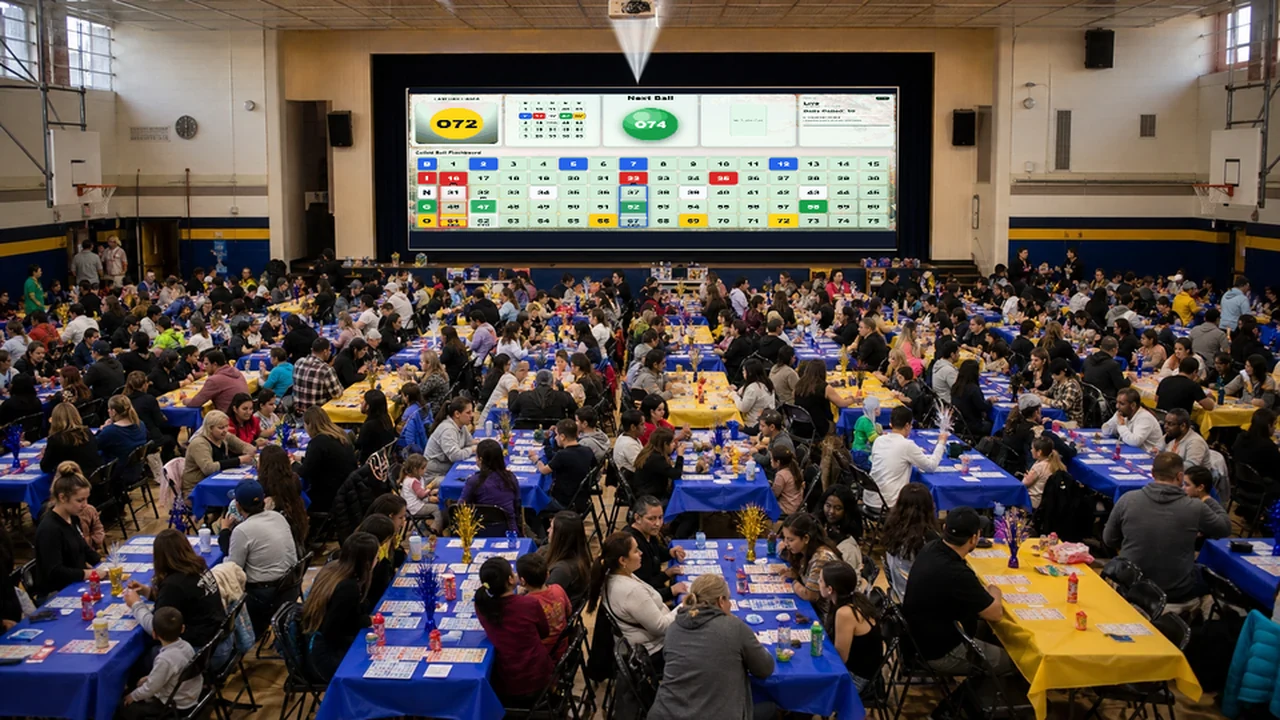
Project a huge live 1–75 number board with called balls visible while staff and volunteers manage the game from one connected system.
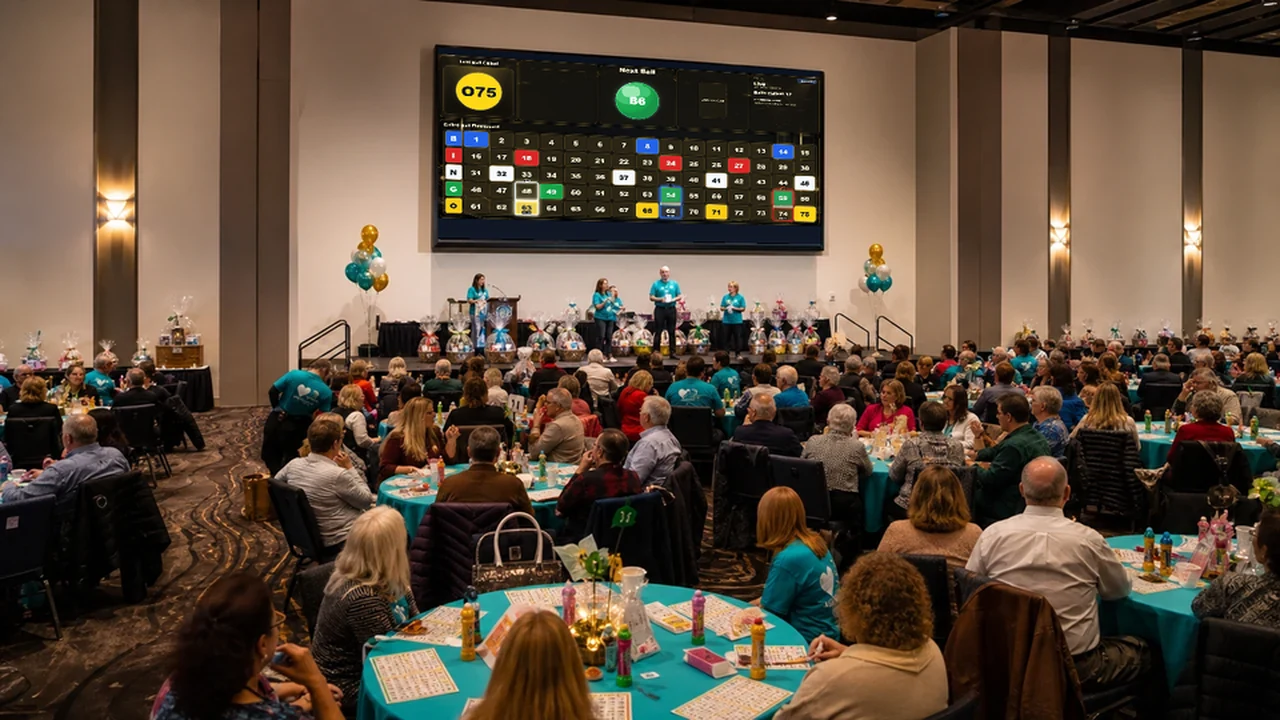
Show a polished, active 1–75 flashboard in the space your group already uses while Lucky Squares keeps the entire event connected.
Game operations
Build the session, call the balls, show the pattern, and keep every connected display in step.
Paper verification
Permanent card data makes the same card number return the same result in printing and verification.
Players & register
Bring player service, sales, balances, rewards, and operational reporting into the same system.
Entertainment
Keep the room engaged with themed racing, holiday presentations, and screen-filling game moments.
Choose the right fit
Choose the features you need today—from calling and verification to a complete hall system—and add more capabilities as your operation grows.
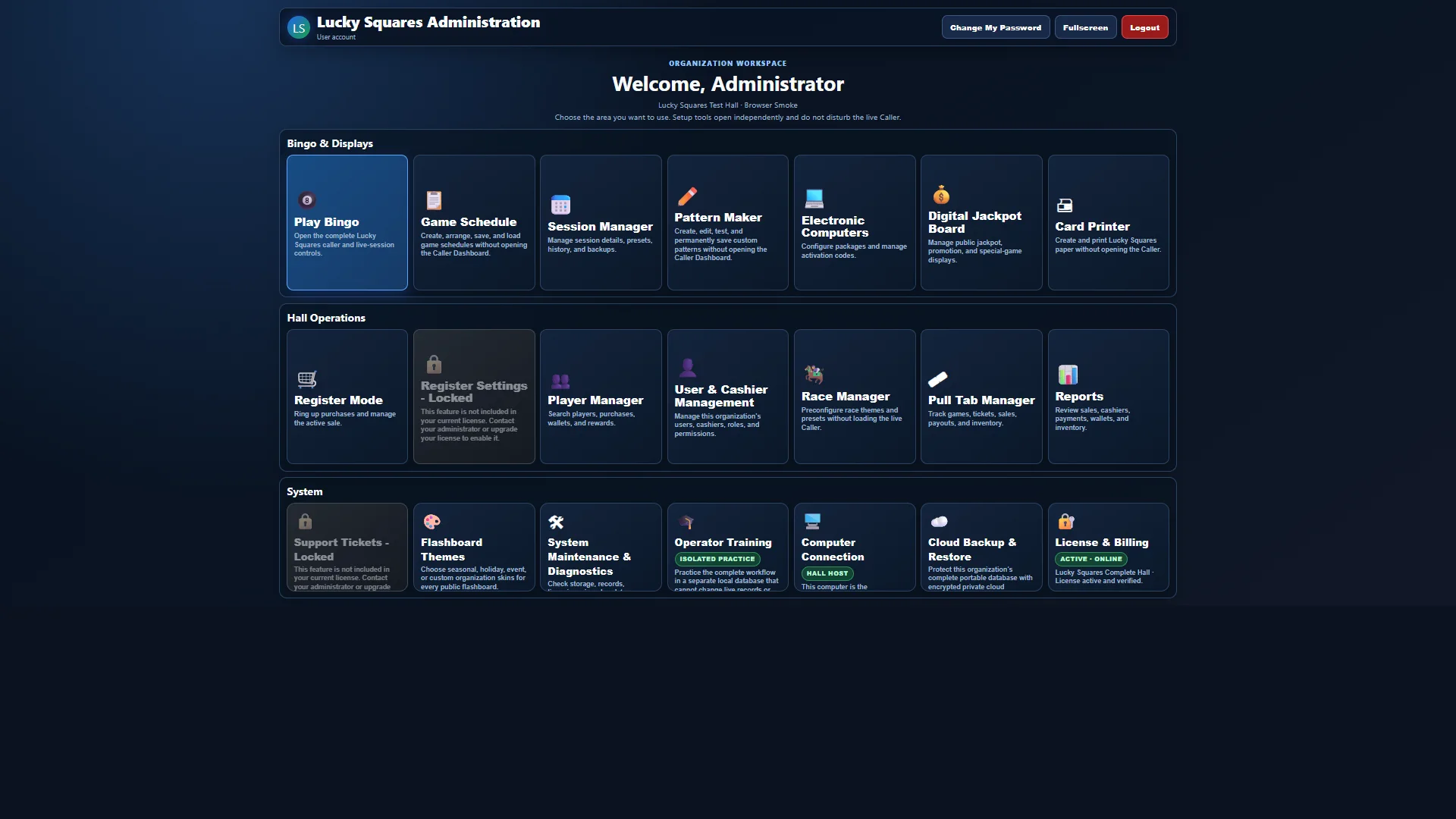
Your Lucky Squares home screen
After signing in, your team can open calling, schedules, session management, electronic computers, card printing, register tools, players, races, reports, and system settings from one organized workspace.
 REAL SOFTWARE VIEW
Verifiable random calling
Lucky Squares commits to the random-calling sequence when the session begins, protects every call in a cryptographic hash chain, and produces an exportable audit or printable fairness certificate.
Explore Provably Fair Calling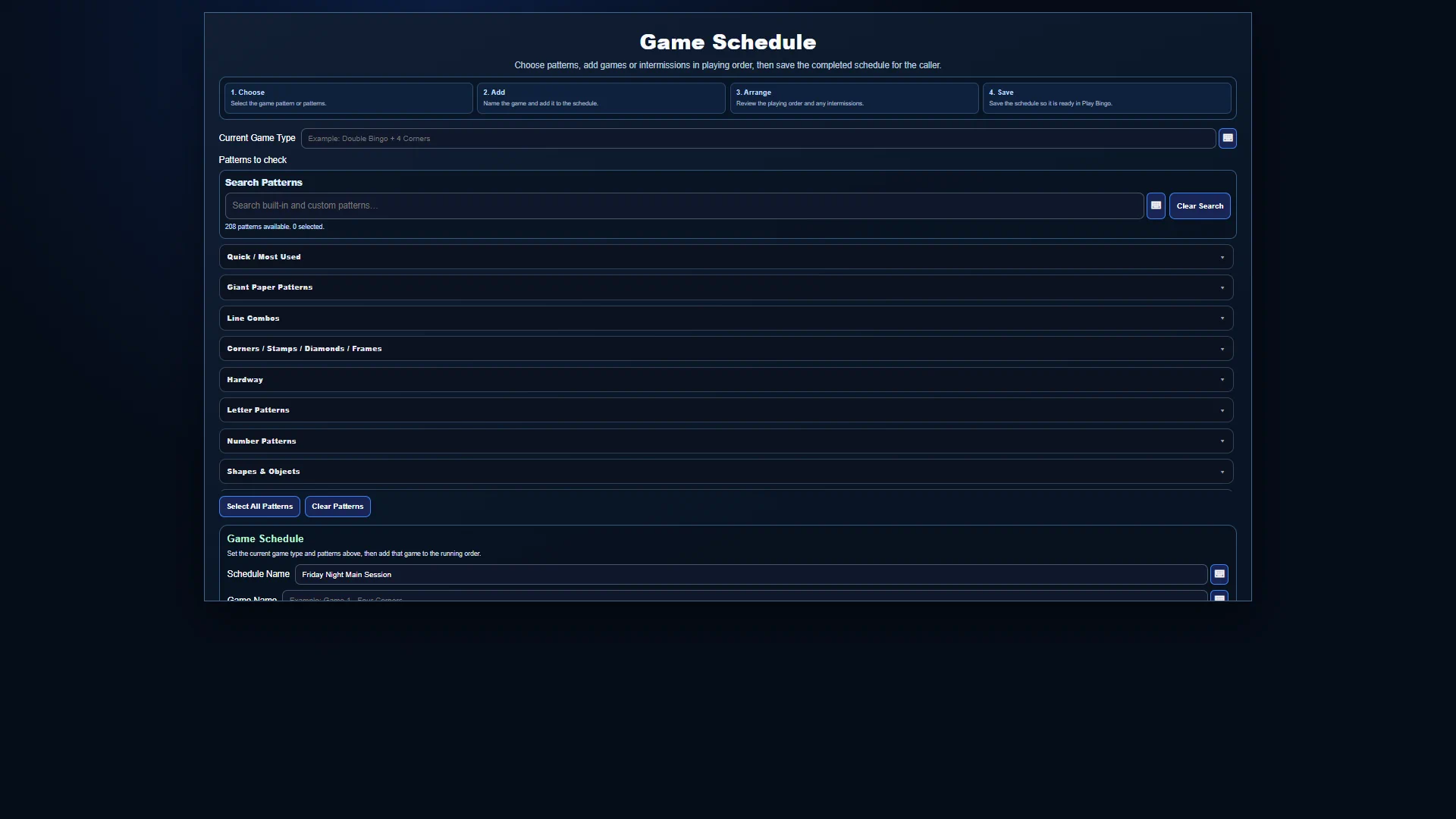 REAL SOFTWARE VIEW
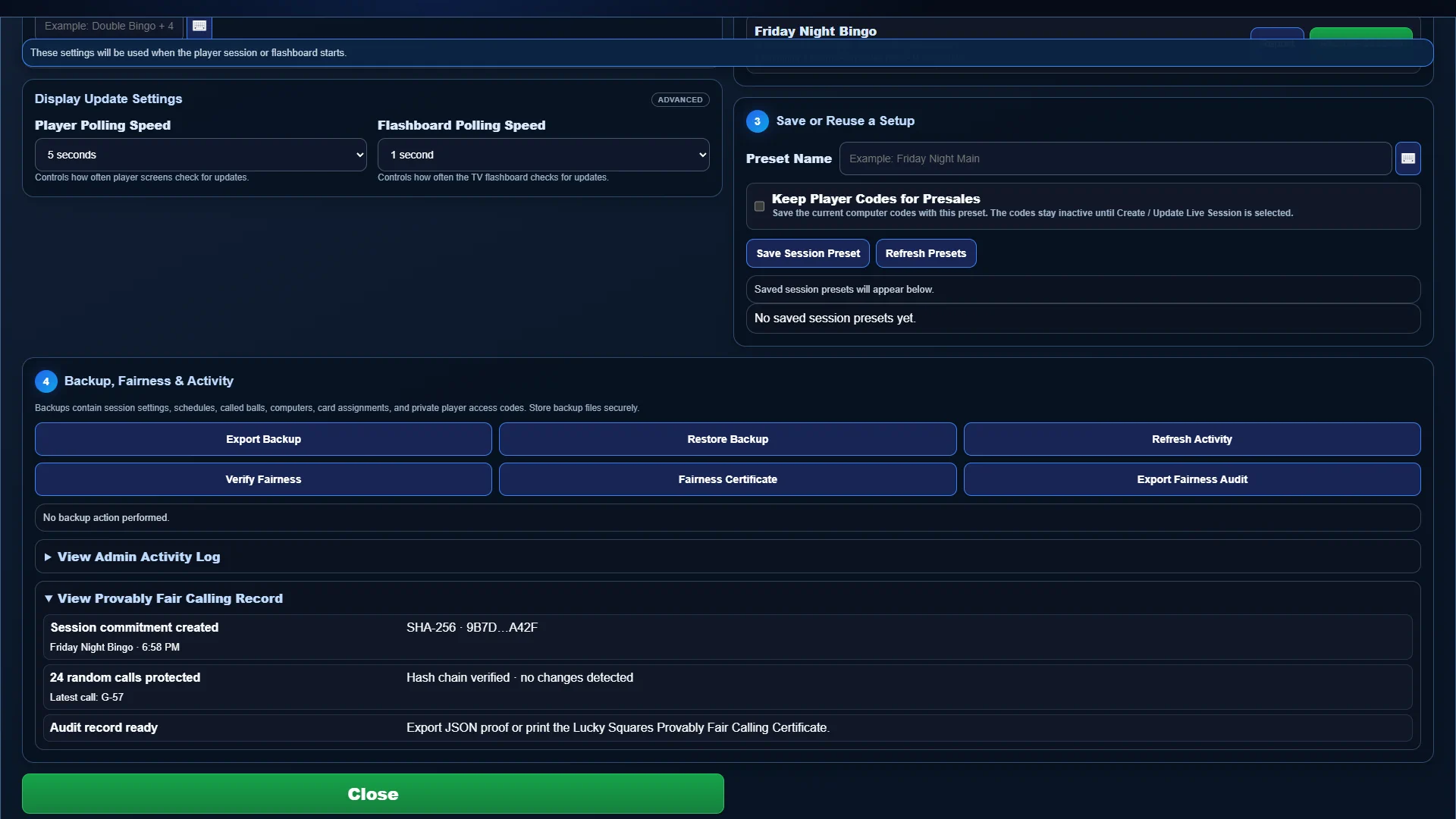
Whole-night planning
Build the playing order with games, patterns, prizes, intermissions, and special events, then save reusable schedules and session presets for future game nights.
Explore Session Manager & Game Scheduler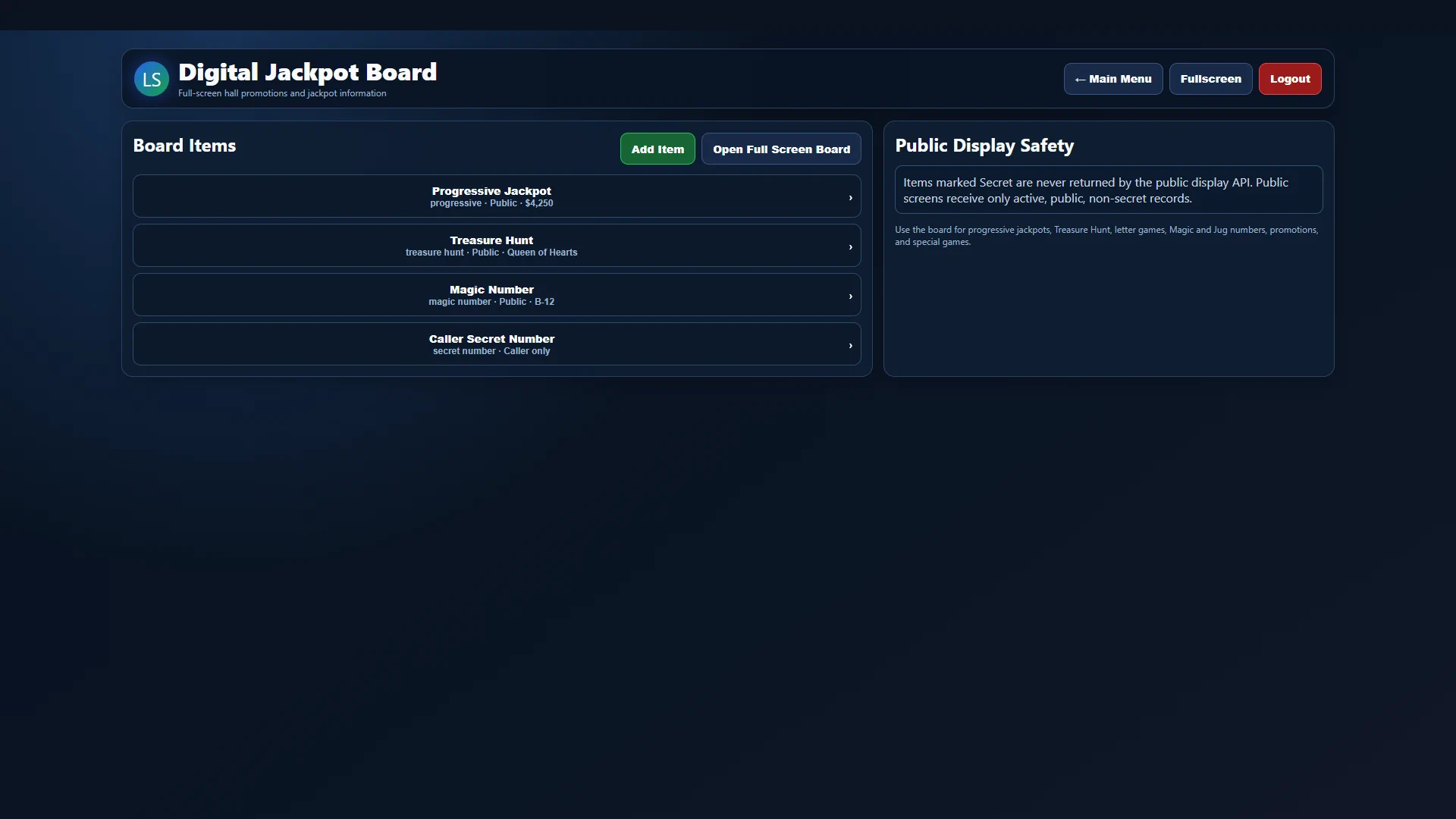 REAL SOFTWARE VIEW
Room-wide promotions
Manage progressive jackpots, Treasure Hunt details, Magic Numbers, letter games, promotions, and other public values from one secure workspace and send approved items to a full-screen board.
Explore Digital Jackpot Board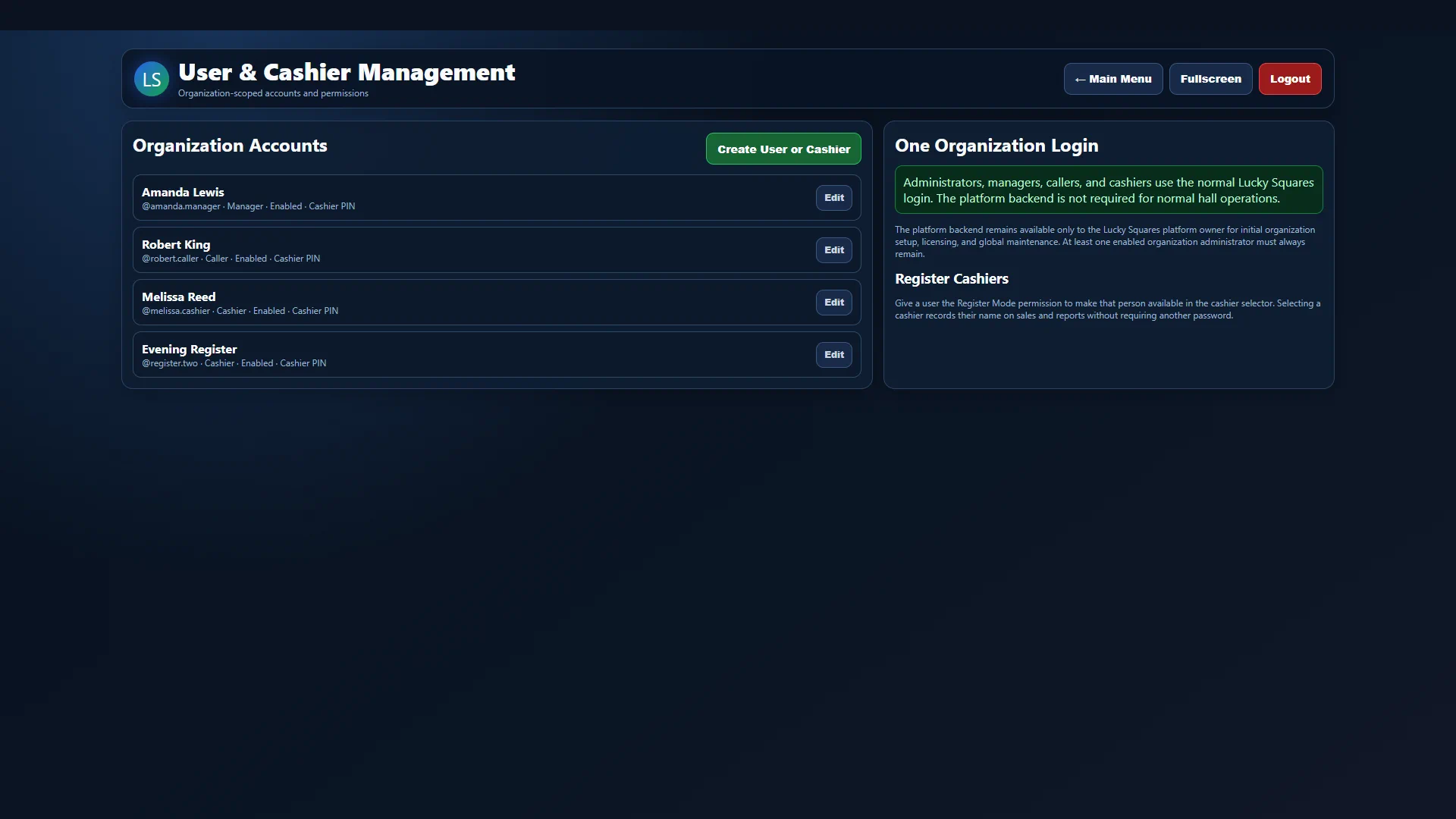 REAL SOFTWARE VIEW
Secure team access
Create separate administrator, manager, caller, and cashier accounts with individual permissions, enabled status, secure passwords, and optional cashier PINs.
Explore Staff Accounts & Permissions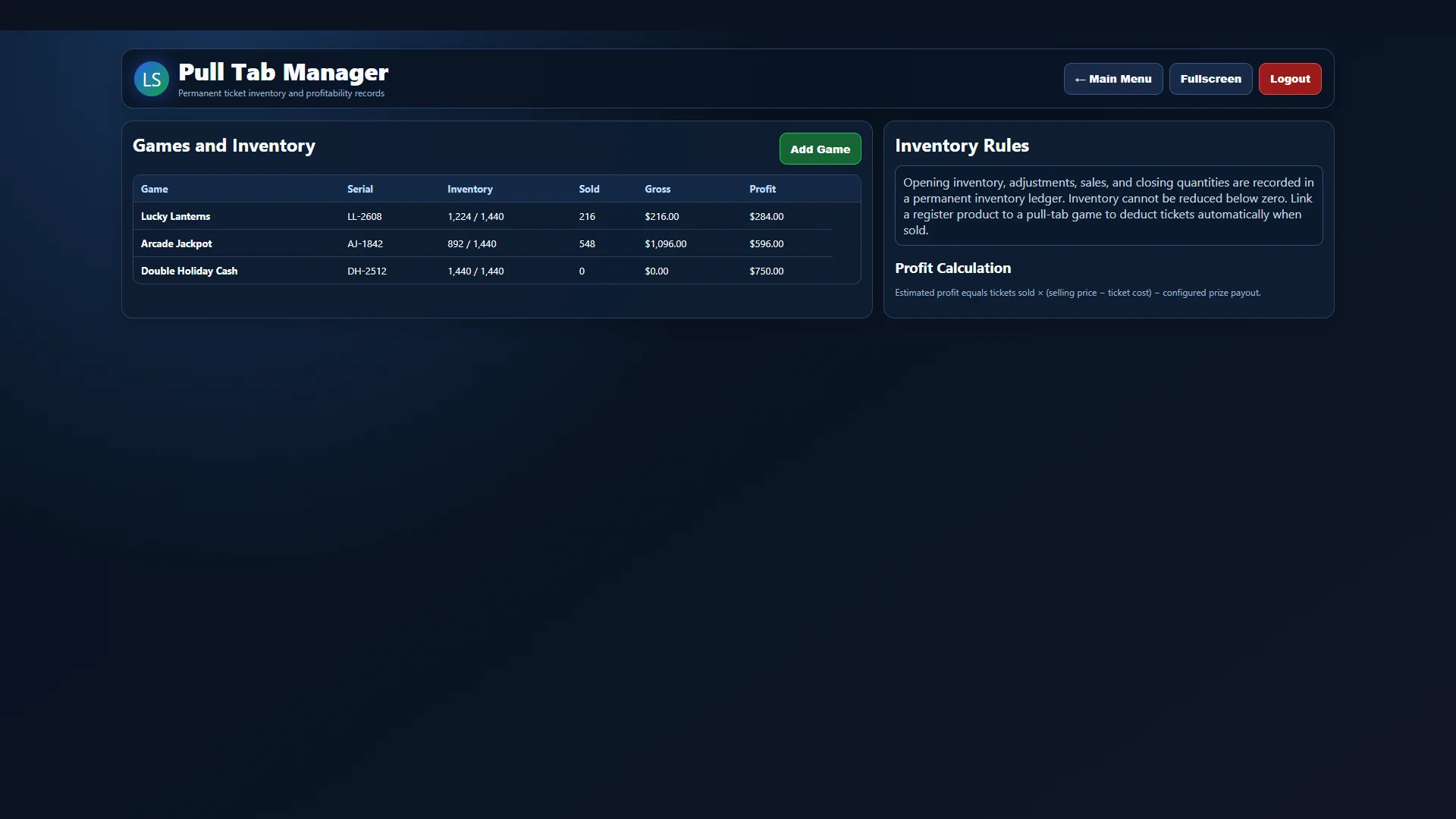 REAL SOFTWARE VIEW
Inventory and game control
Track open games and ticket counts, connect inventory to register products, record winners and prizes, and keep reconciliation details with the rest of your operating records.
Explore Pull-Tab Management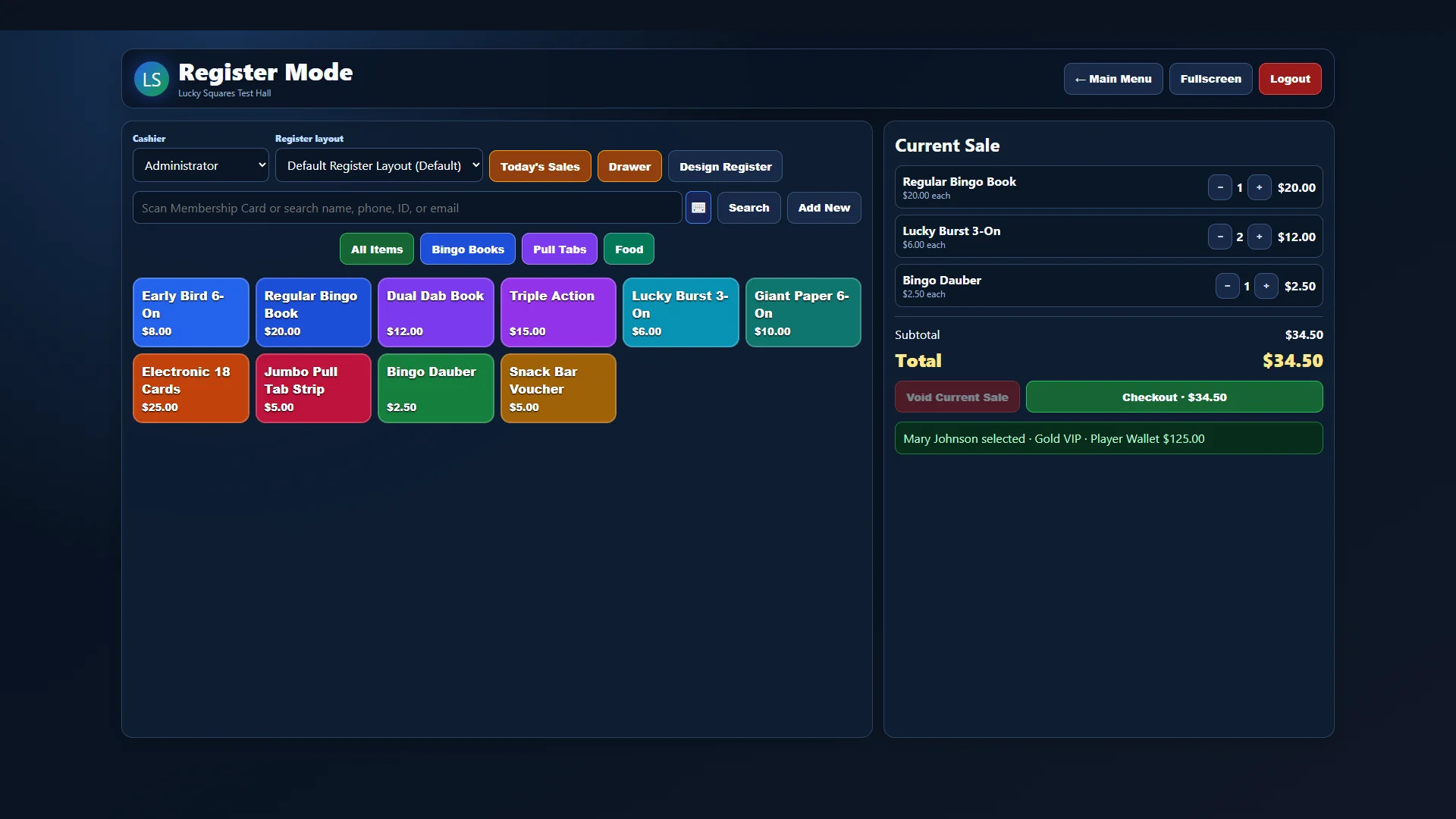 REAL SOFTWARE VIEW
Bingo point of sale
Beyond fast product buttons, Register Mode supports staff shifts, multiple payment methods, discounts, refunds, taxes, wallet activity, inventory connections, and player-linked transactions.
Explore Advanced Register Features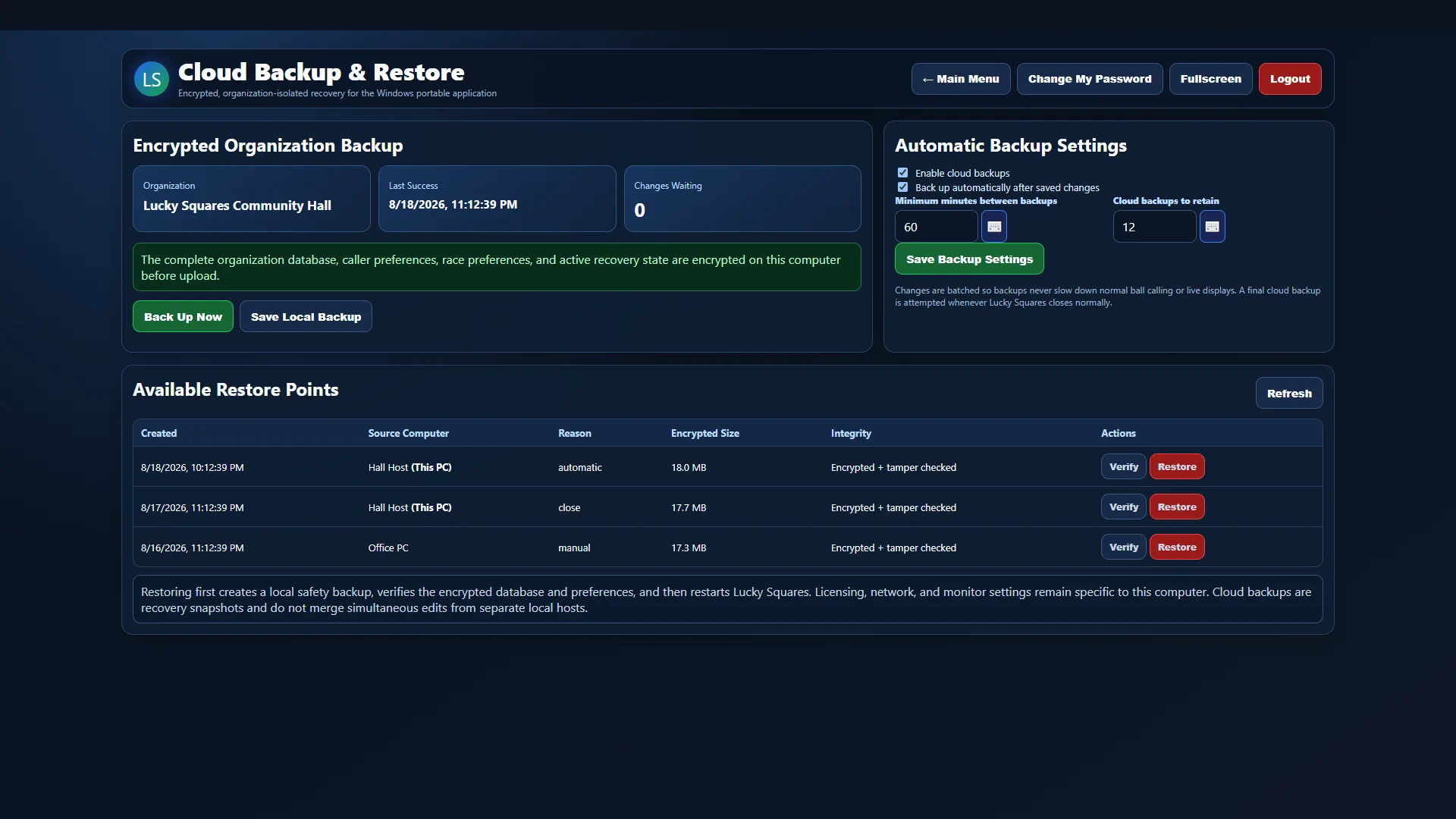 REAL SOFTWARE VIEW
Protected continuity
Lucky Squares can encrypt the complete organization database on the authorized computer, upload protected recovery snapshots, retain multiple restore points, and verify integrity before restoration.
Explore Cloud Backup & Recovery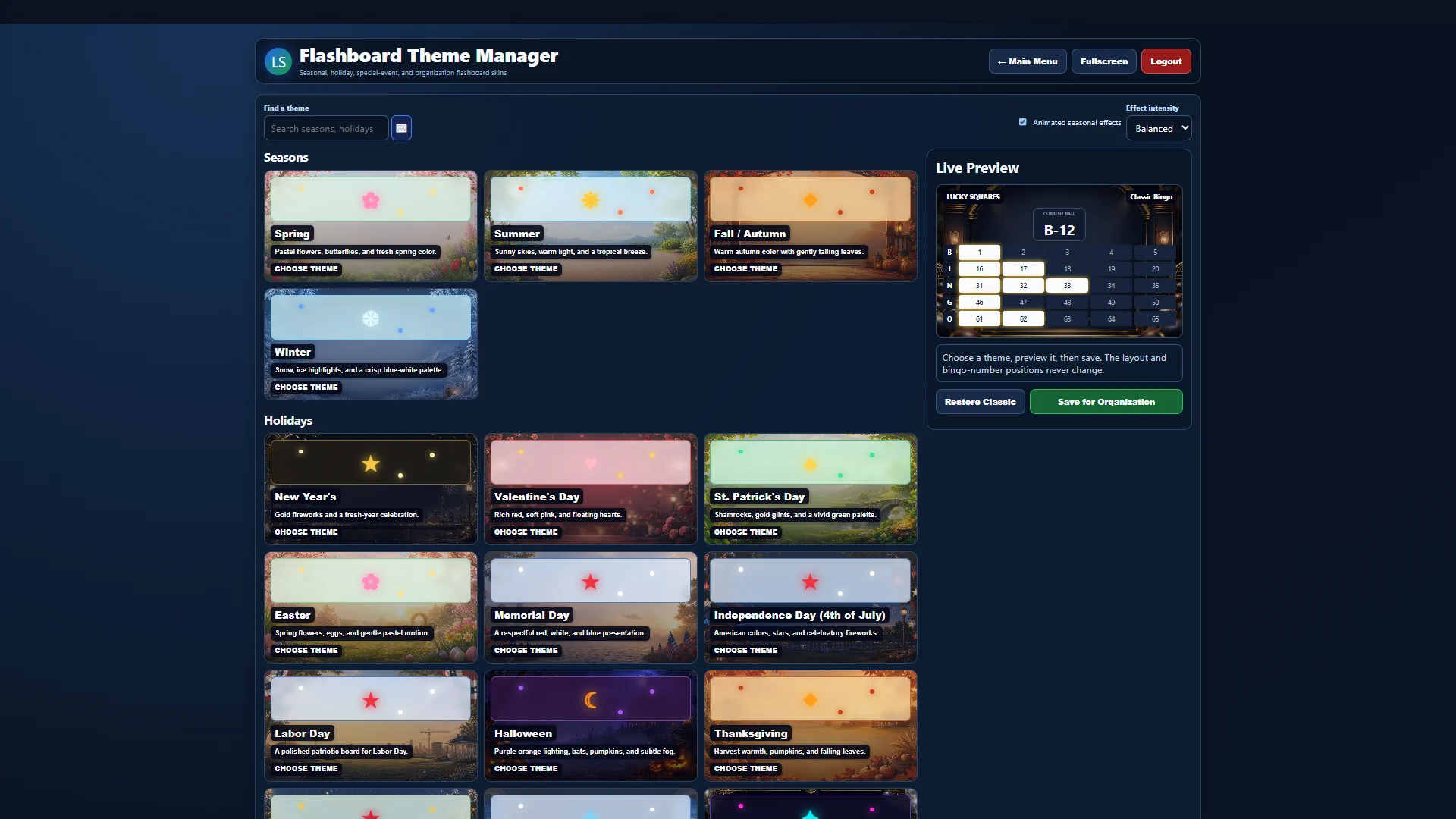 REAL SOFTWARE VIEW
Your room, your presentation
Choose from seasonal, holiday, special-event, and custom organization skins, preview changes live, and control animated effects without moving the bingo-number layout.
Explore Hall & Flashboard Customization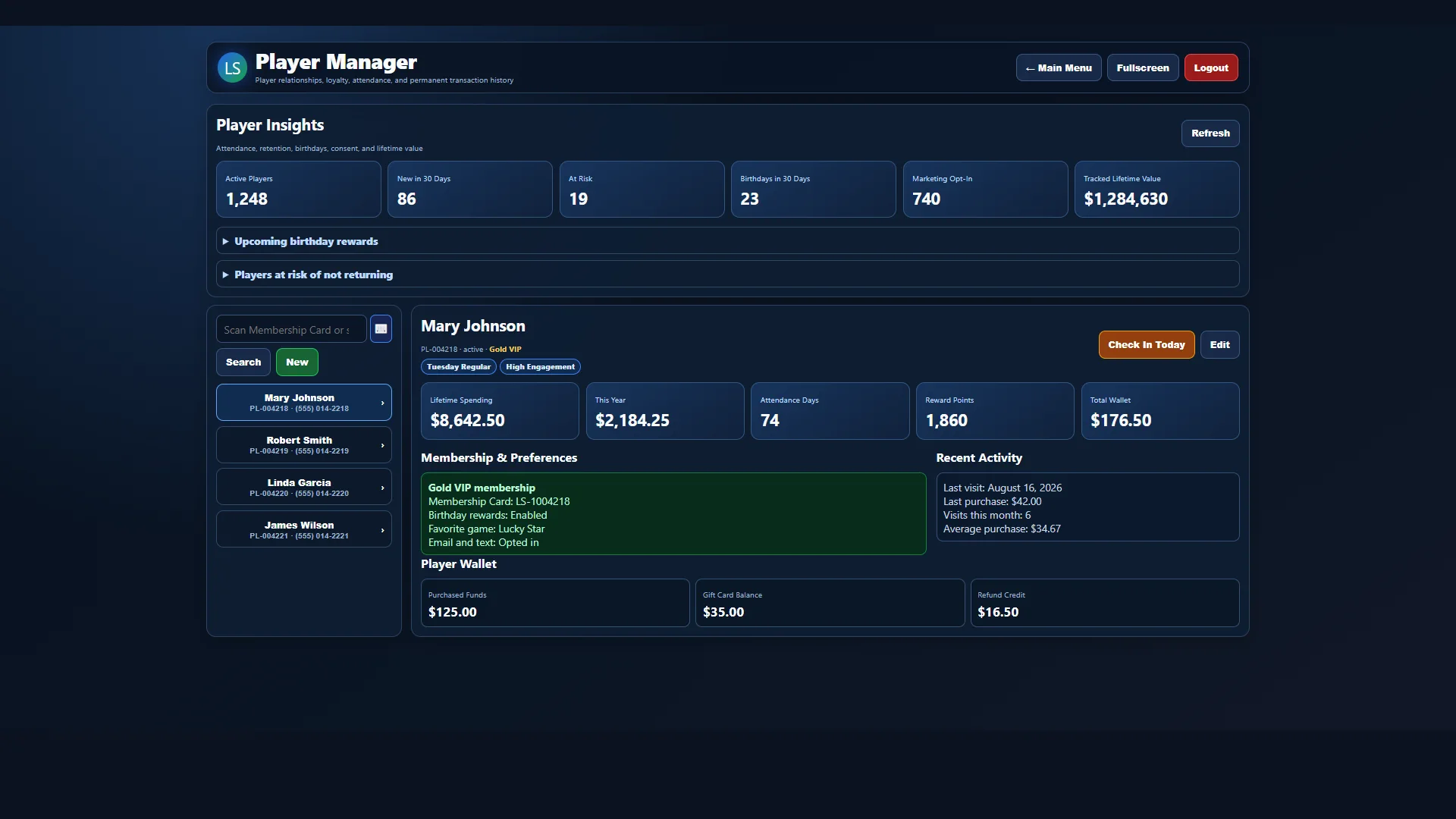 REAL SOFTWARE VIEW
Stronger player relationships
Keep membership details, visit history, activity, preferences, loyalty status, birthday information, notes, wallet access, and rewards together in the permanent player profile.
Explore Player Membership Features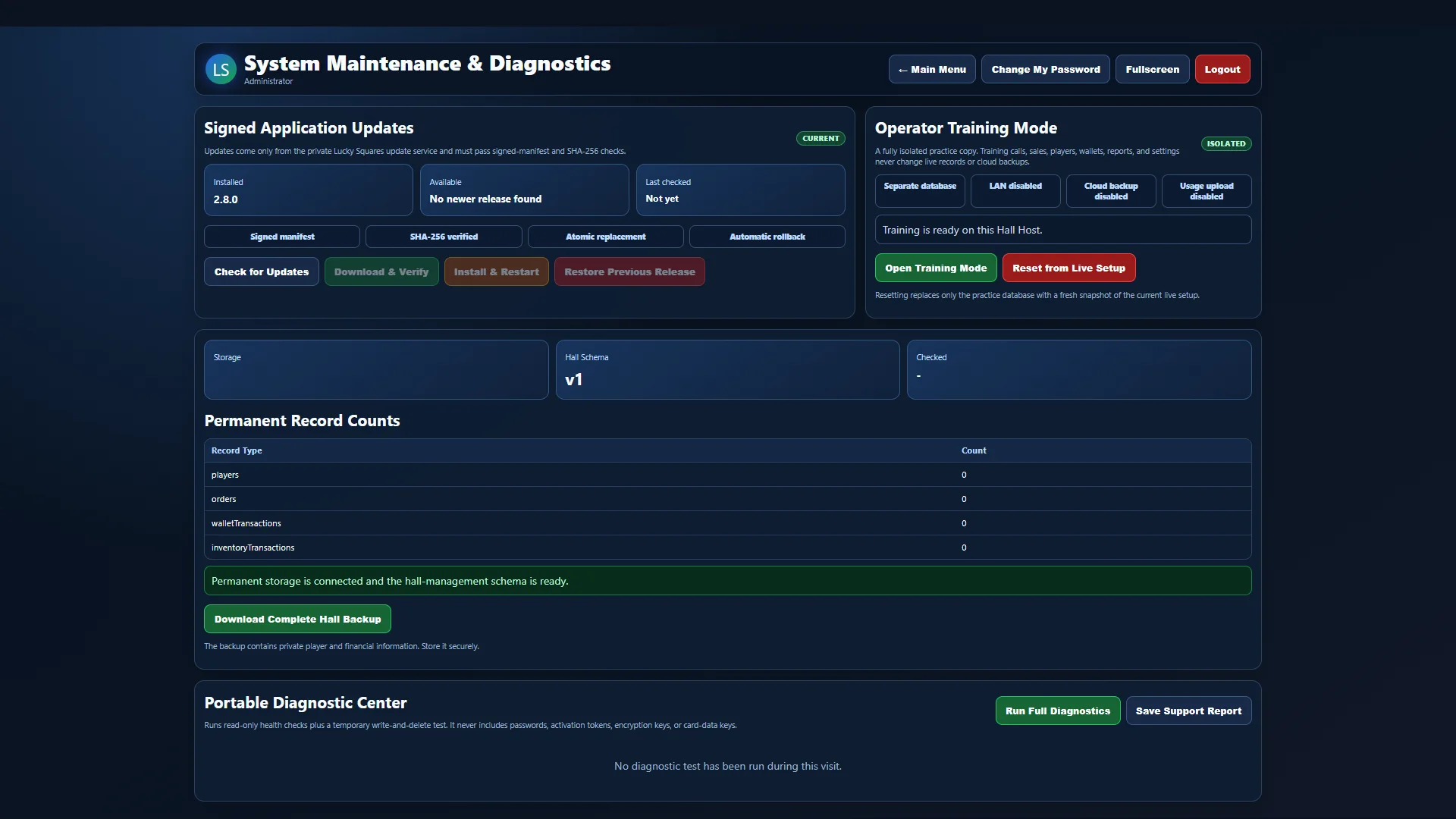 REAL SOFTWARE VIEW
Help built into the system
Built-in diagnostics check storage, licensing, updates, database integrity, synchronization, network access, disk space, and backup readiness, while secure support tickets keep questions and replies organized.
Explore Support & MaintenanceEvery paper style in one system
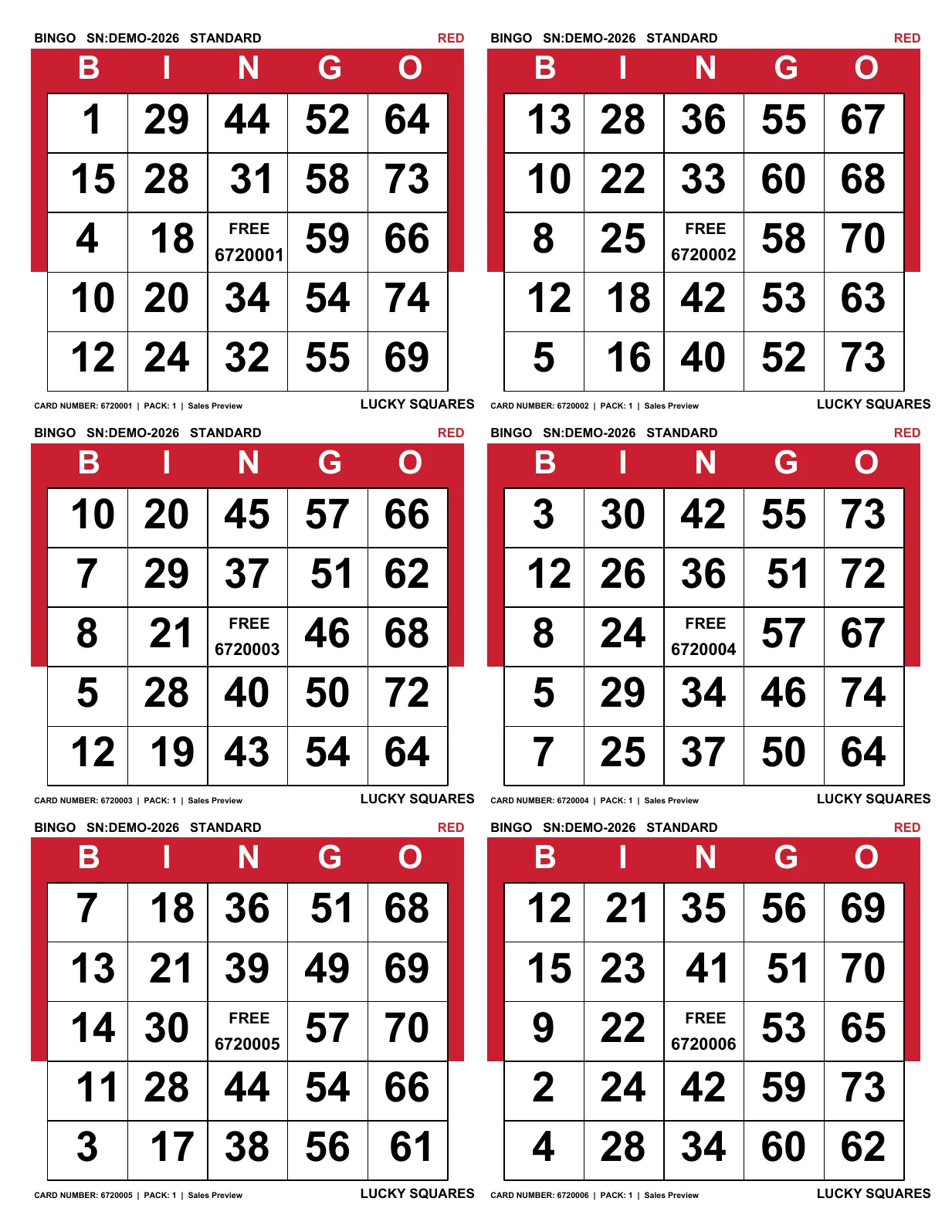
From familiar 75-ball paper to multi-number action cards, each Lucky Squares format is generated from permanent data your team can verify instantly.
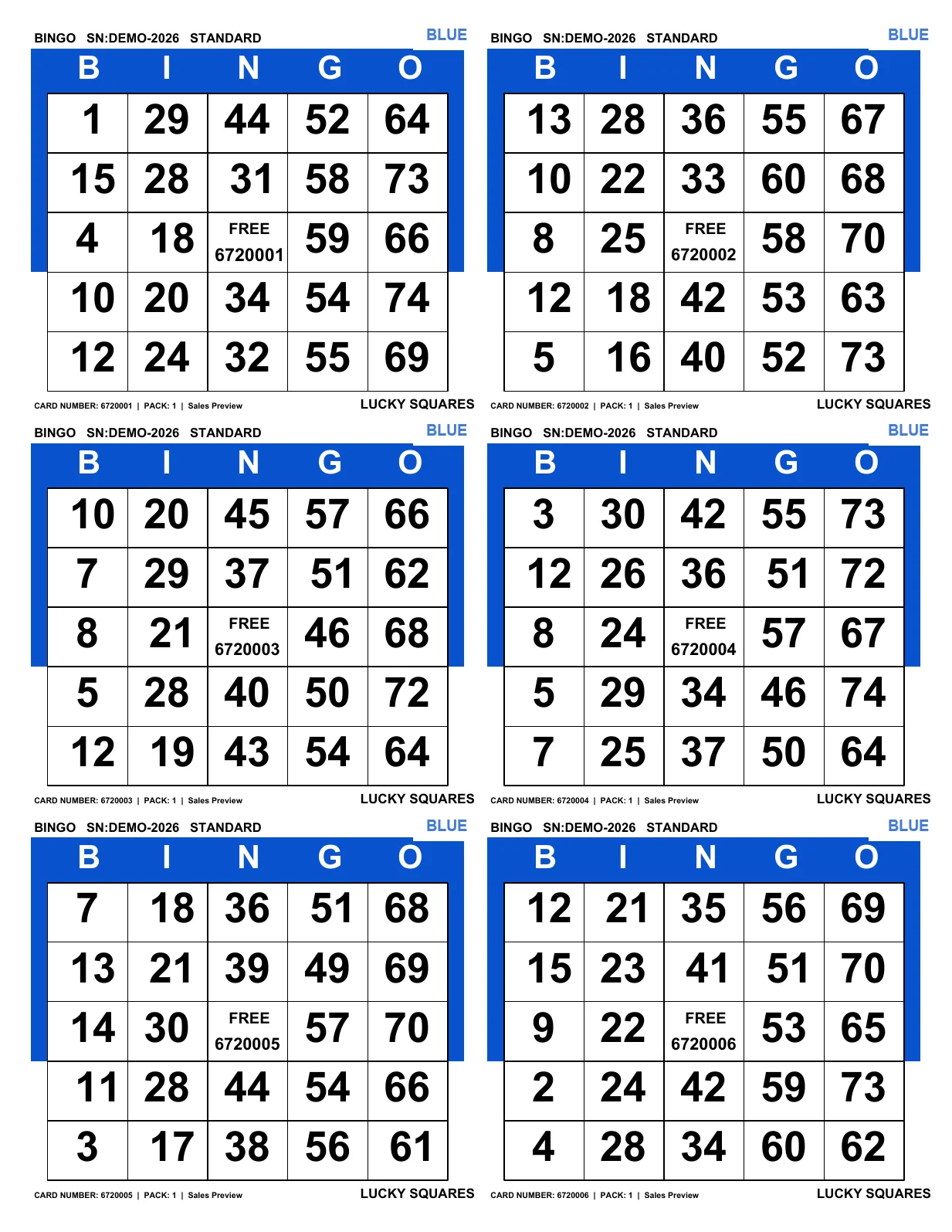 Real six-on sheet · Blue
A complete six-on sheet of clean, familiar 5×5 cards with permanent card numbers.
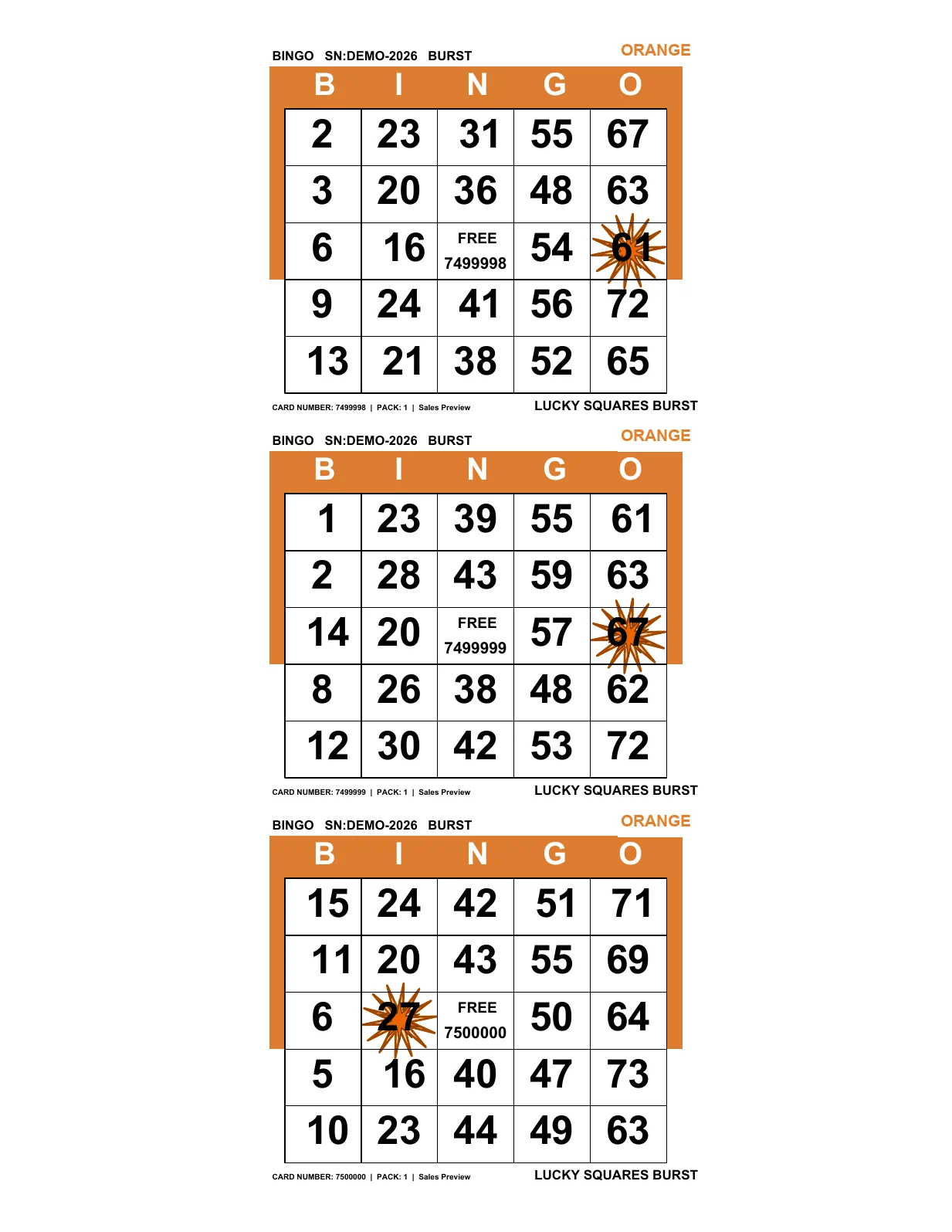 Complete three-on sheet · Orange
A complete three-on sheet adds one permanent Burst number to every card, creating a visible special space while keeping every printed card fully verifiable.
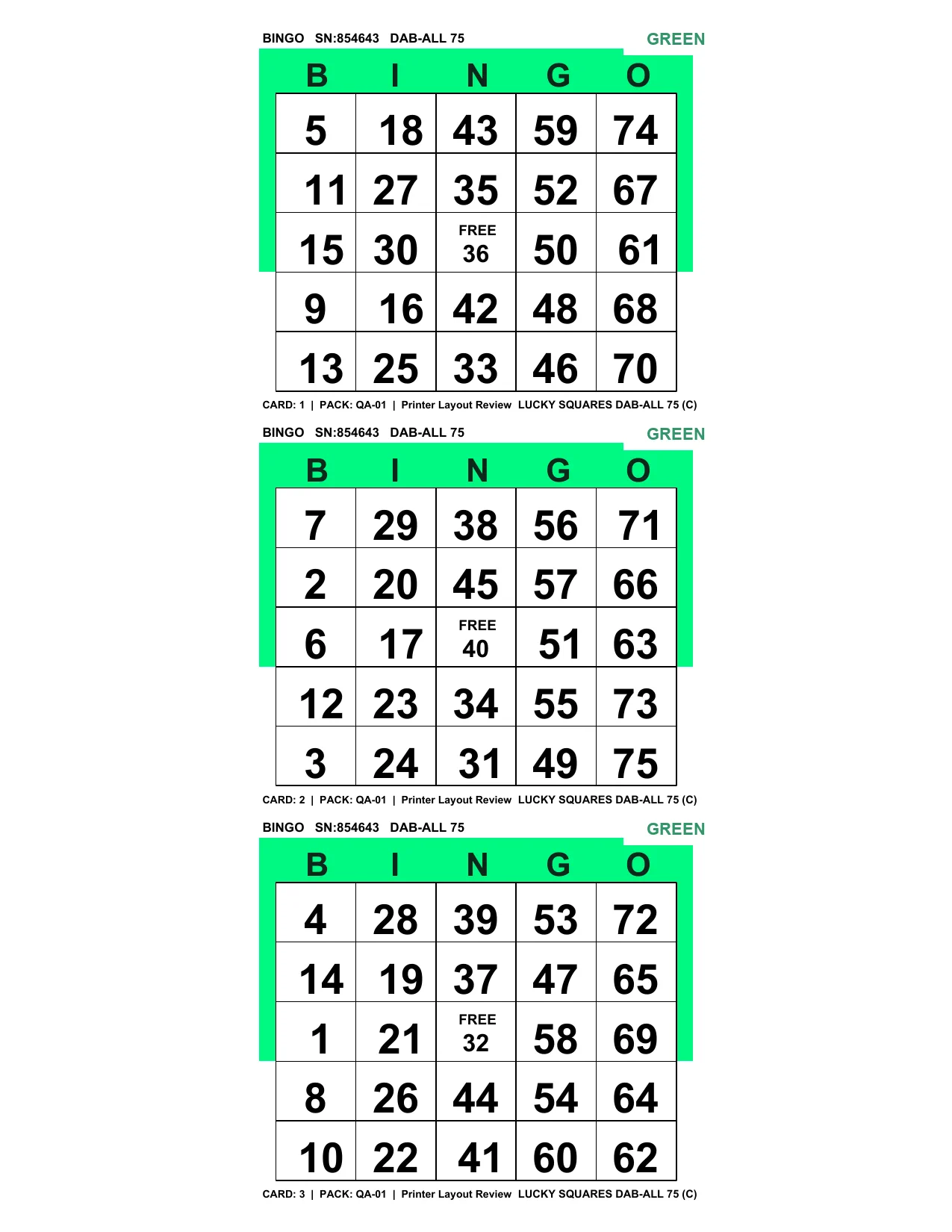 Real printed example · Green
Linked three-card sets with a numbered center option for Dab-All style games.
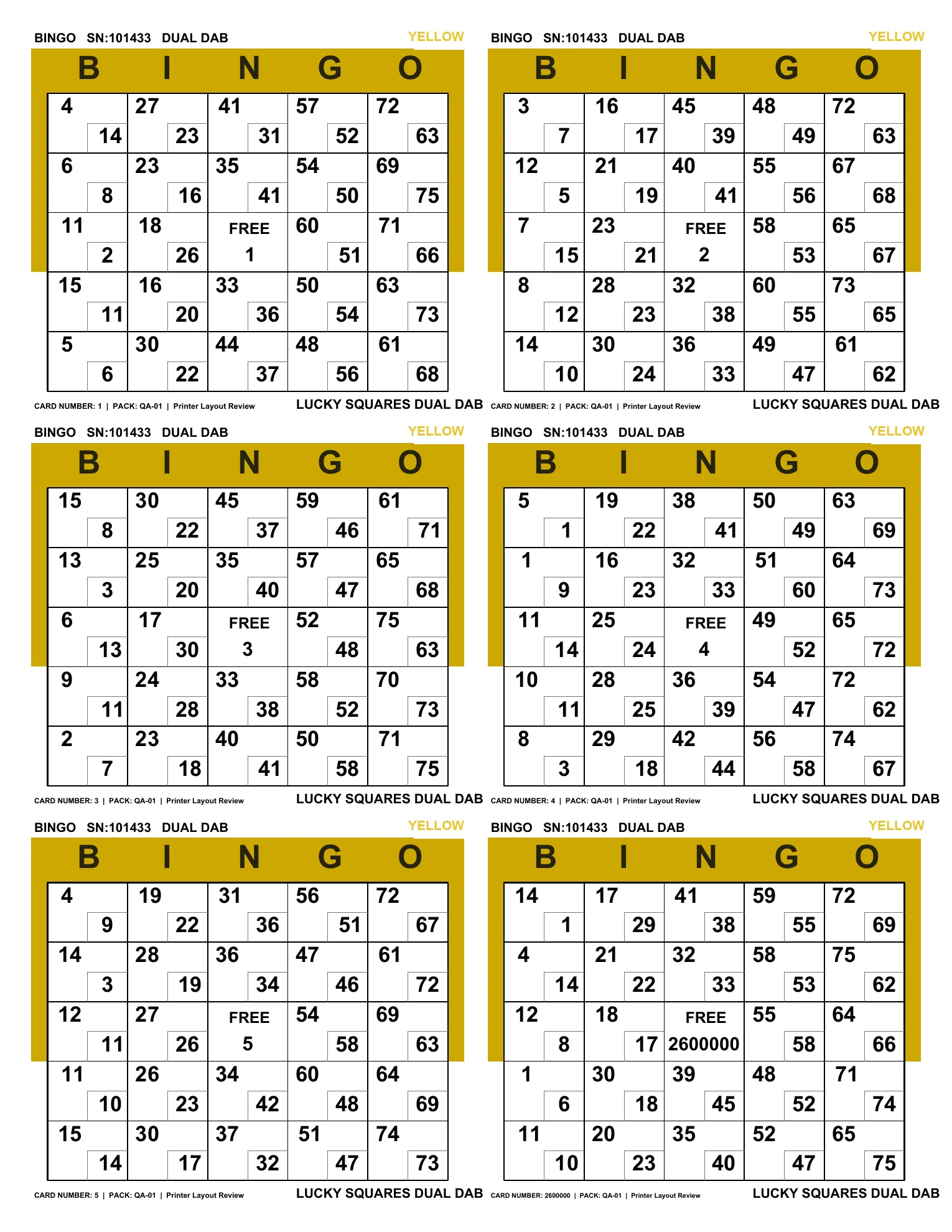 Top two cards shown · Yellow
Two playable numbers in each square, supported by matching print and verification records.
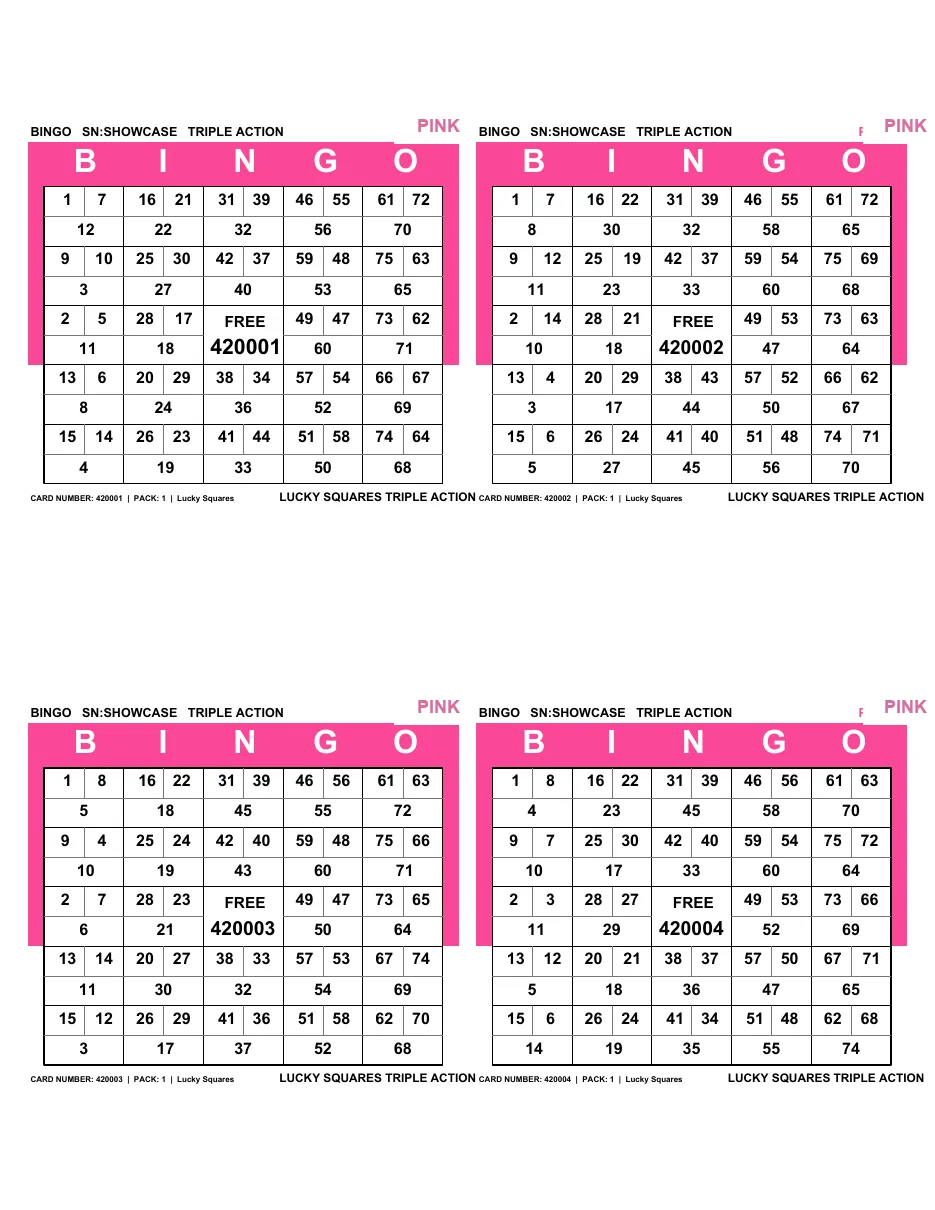 Top two cards shown · Pink
Three playable numbers in each square for high-action games and multi-page book building.
 Top two of five tickets · Gray
Five 3×9 tickets print on each sheet. Every row has five numbers, no ticket repeats a number, and all play uses the standard U.S. 1–75 call set.
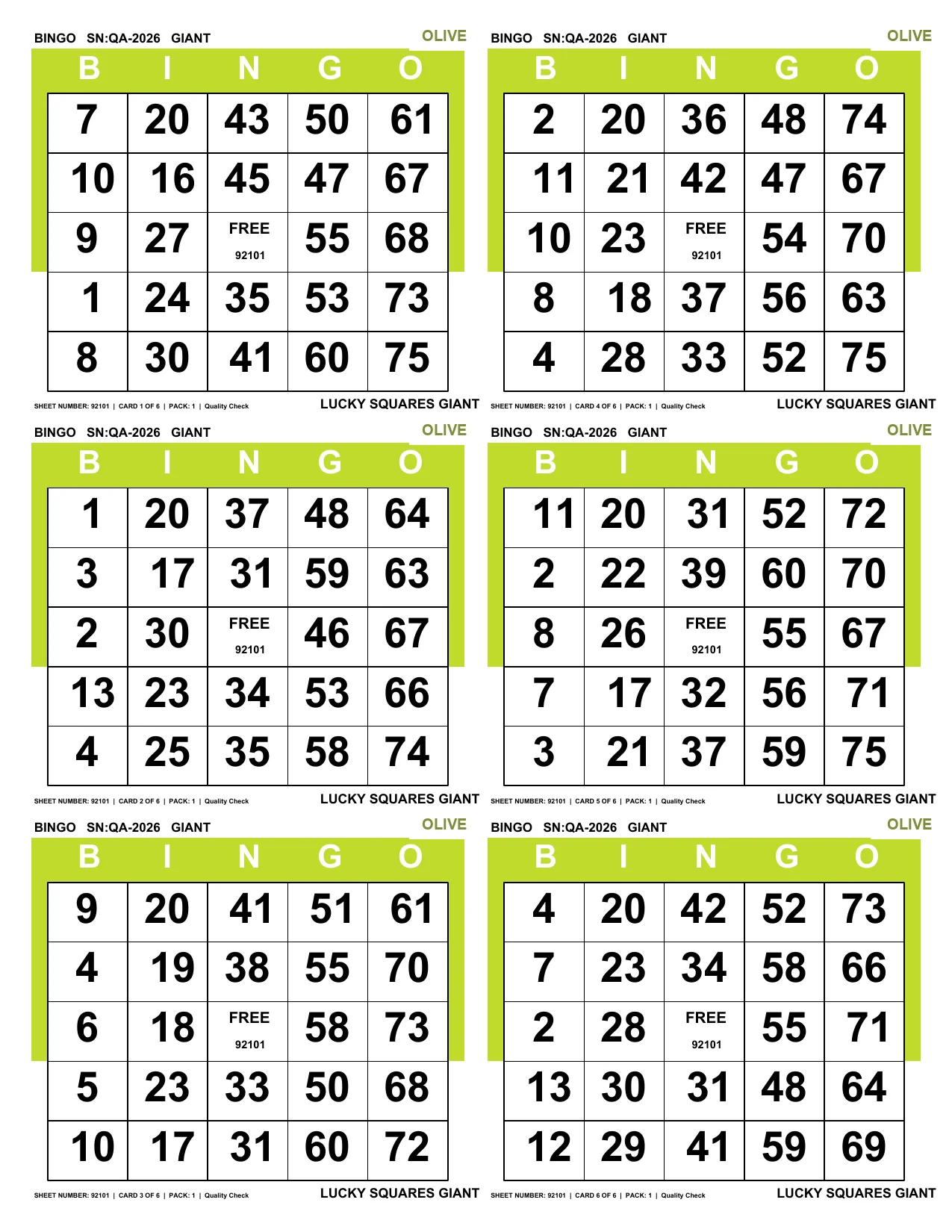 All six linked cards · Olive
All six cards on the sheet are linked and treated as one game piece. Create larger combination games such as five bingos on one sheet, three letter X patterns, or six postage stamps anywhere.
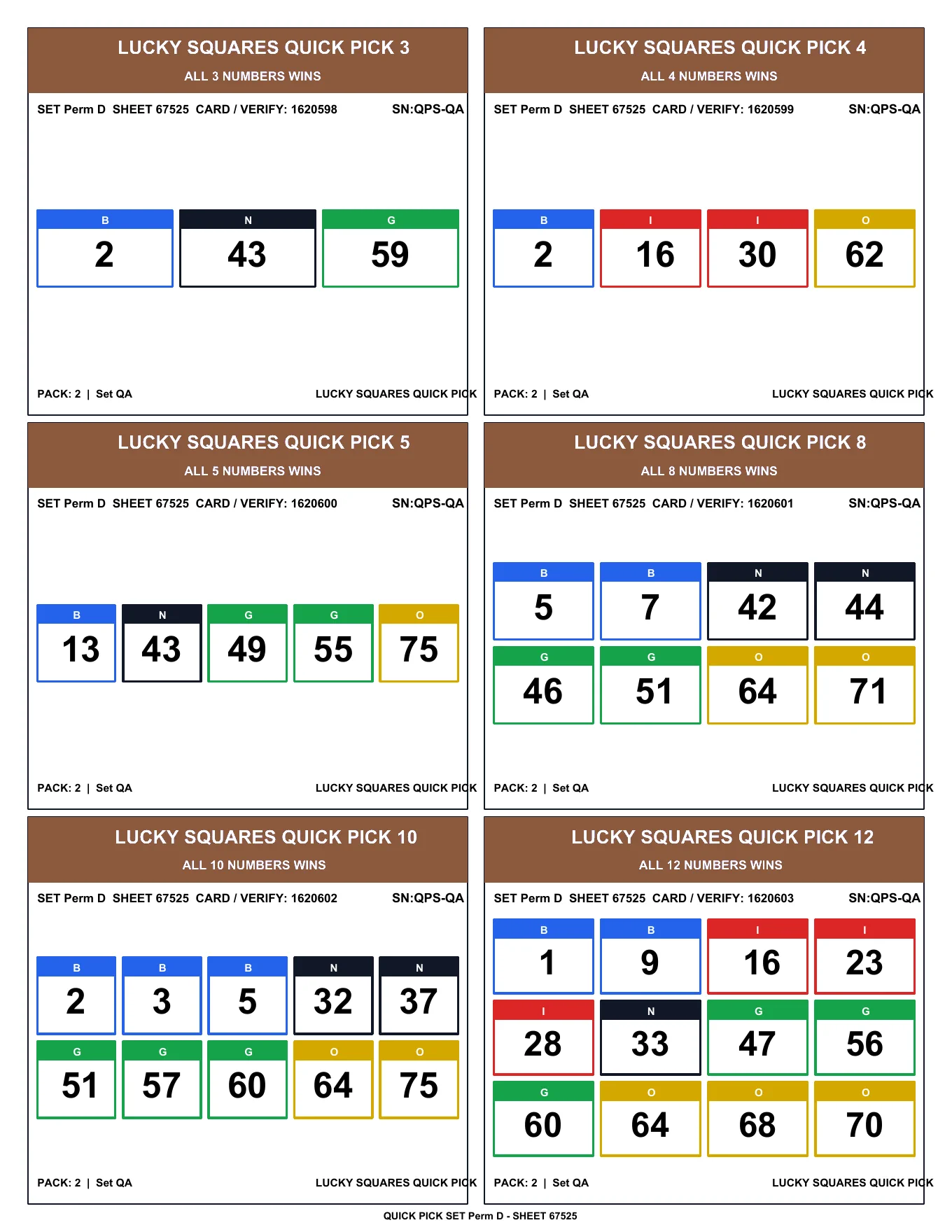 All six fixed options · Brown
One sheet includes all six Quick Pick choices—3, 4, 5, 8, 10, and 12 numbers—so your hall can offer short, simple games with permanent card and verify numbers.
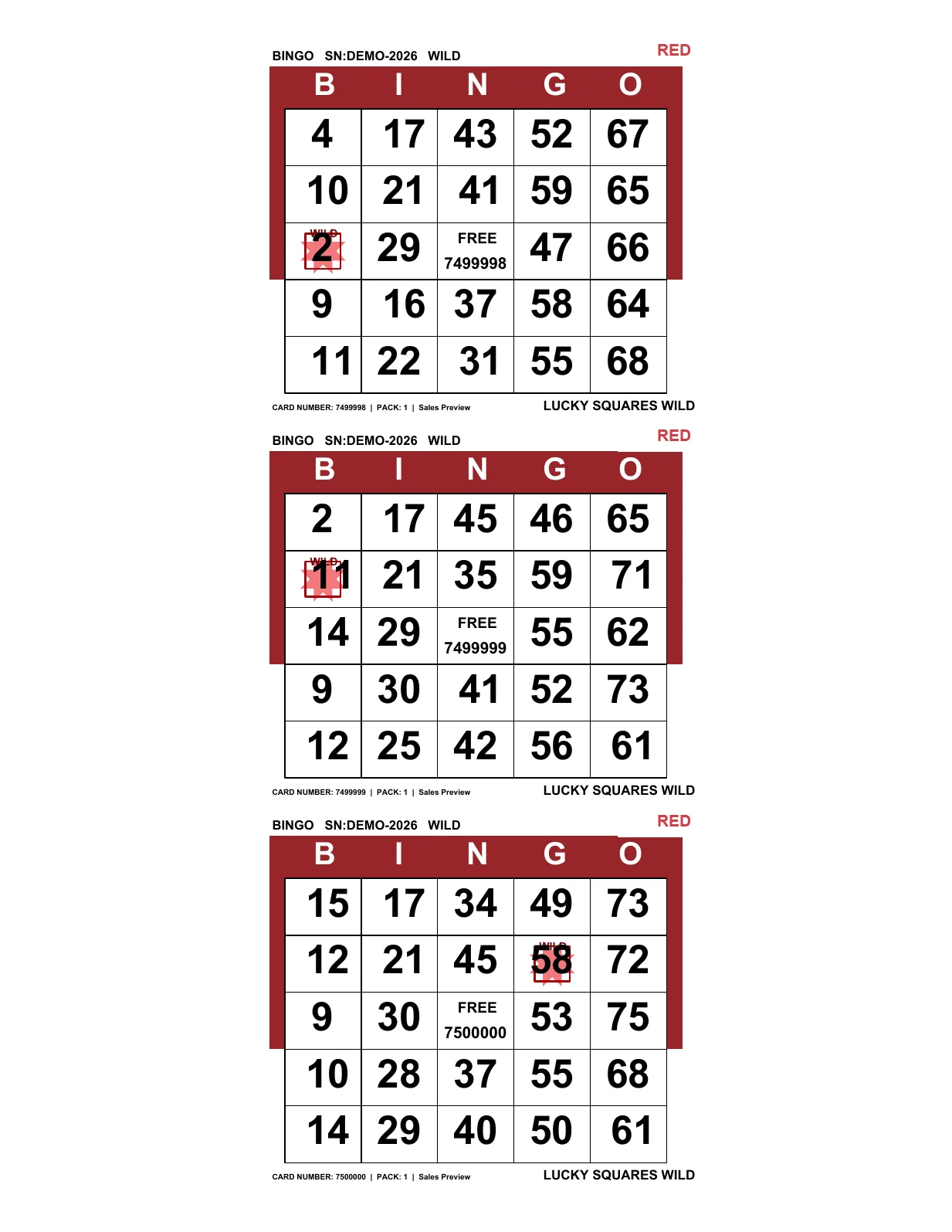 Complete three-on sheet · Red
Each card receives a clearly marked permanent Wild square in addition to the center free space, creating extra ways to complete the game while staying fully verifiable.
Across every current permutation and paper family—including Single, Double, and Triple Burst and Wild—Lucky Squares provides more than 1.19 billion permanent faces, all ready for instant verification.
Premium pull-tab-style strips
Reusable fronts, 1,440 completed backs per game, ornate verification numbers, seamless full-page artwork, holiday collections, and matching Double Number themes—all ready for two-up front-and-back printing.
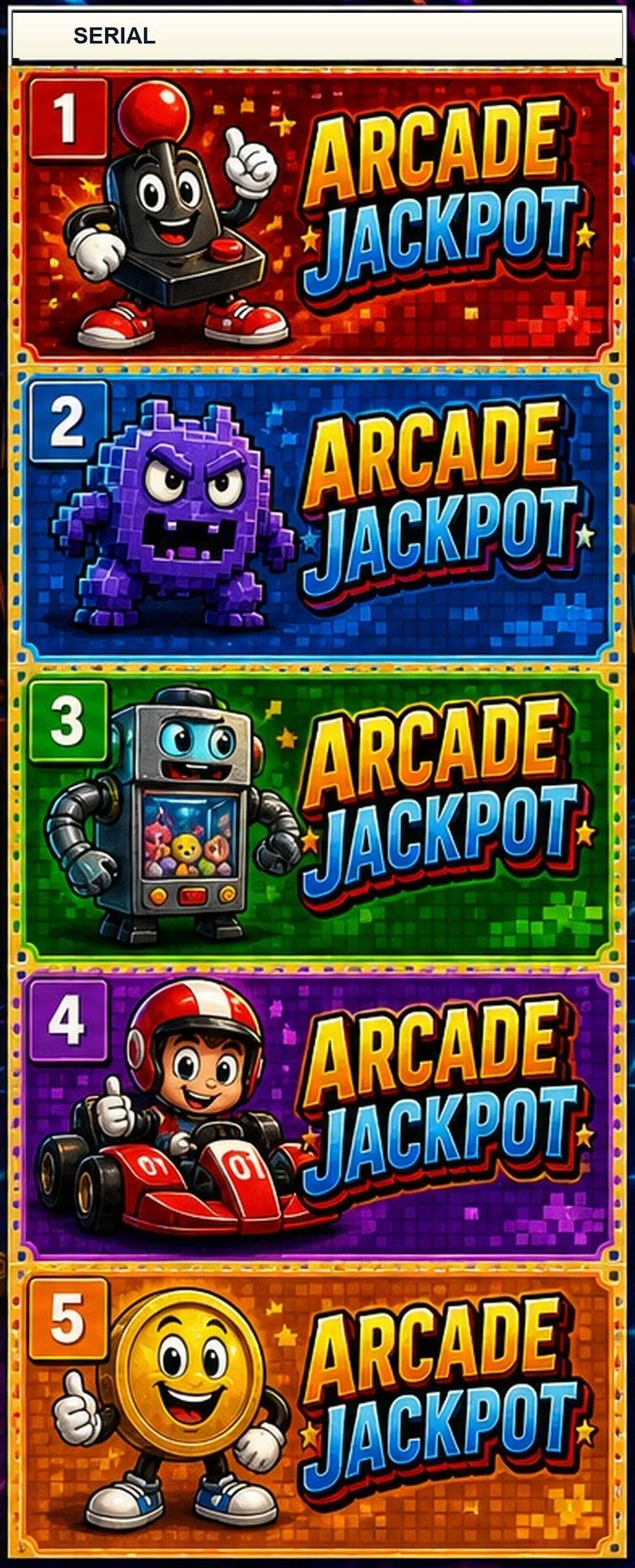
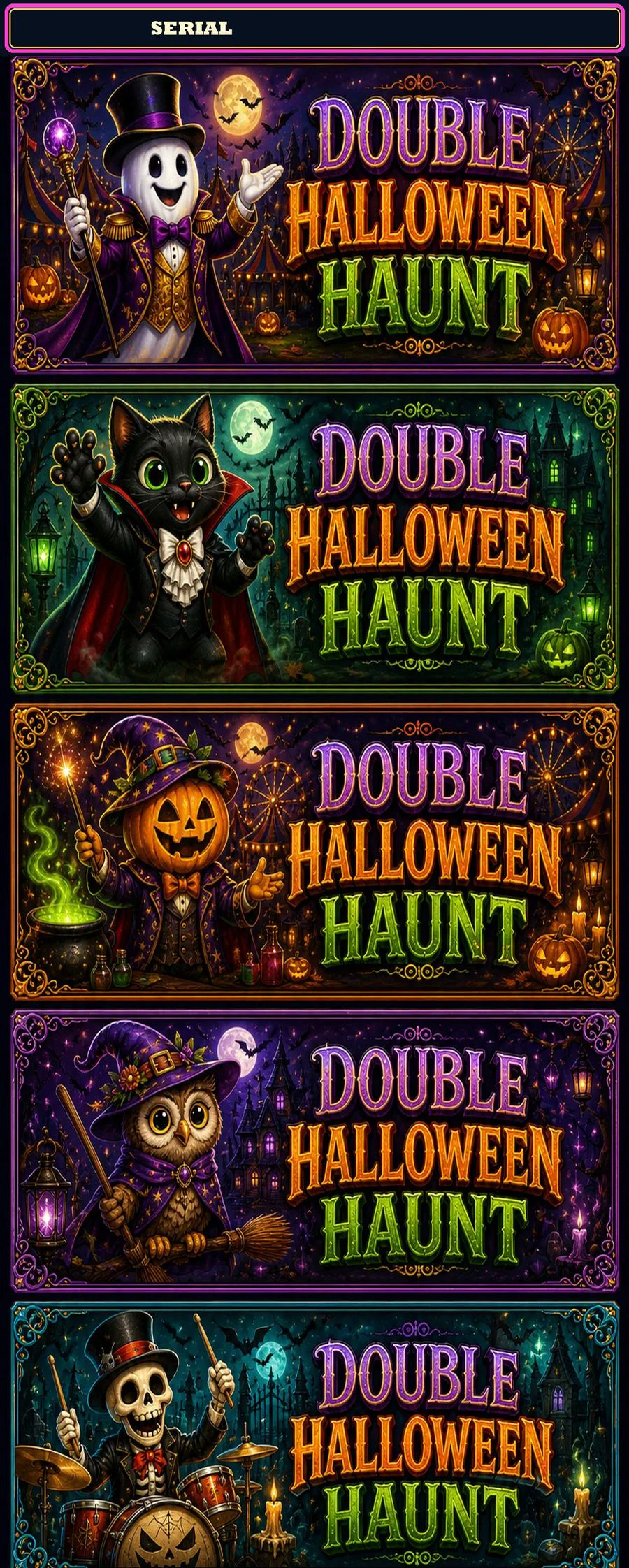
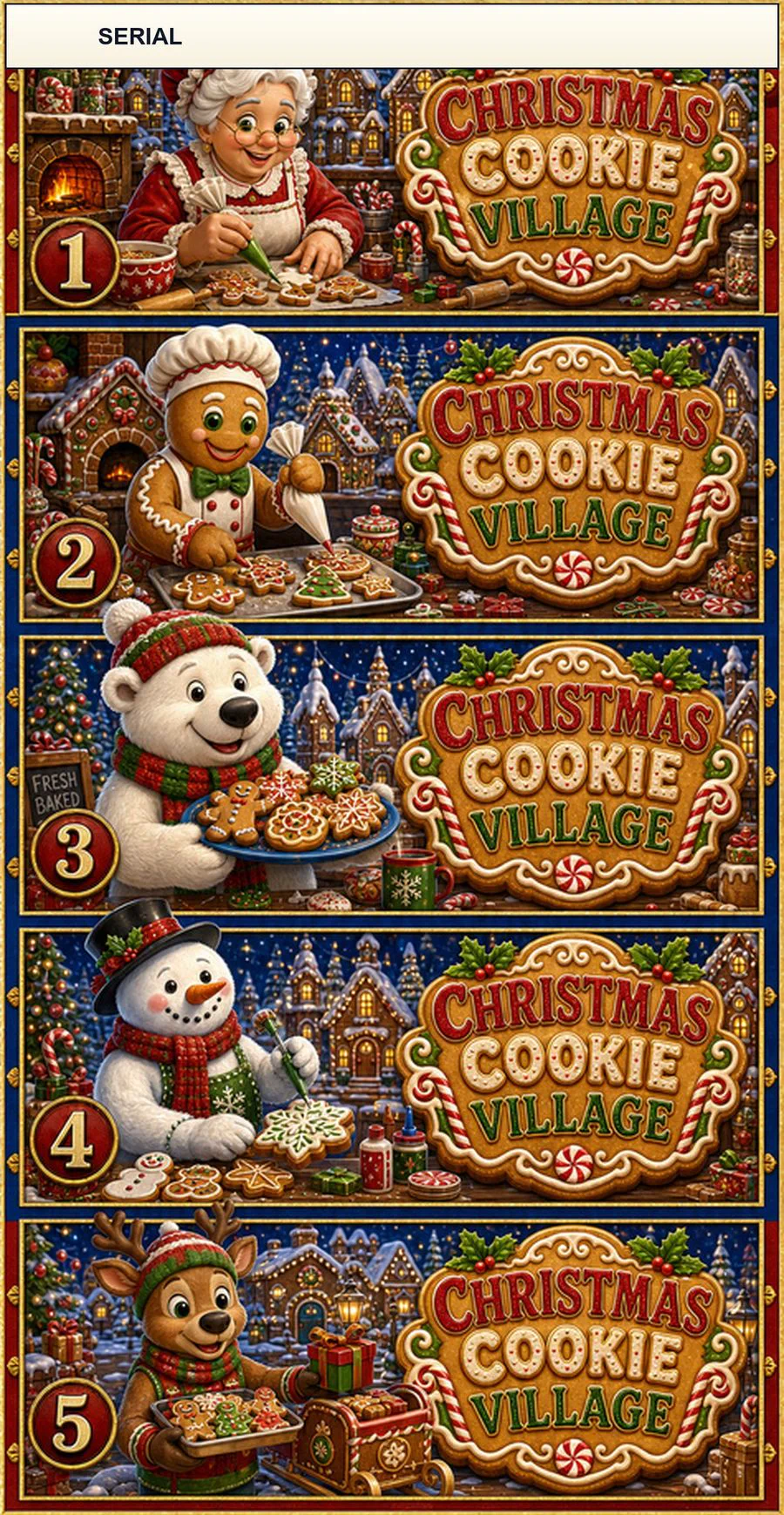
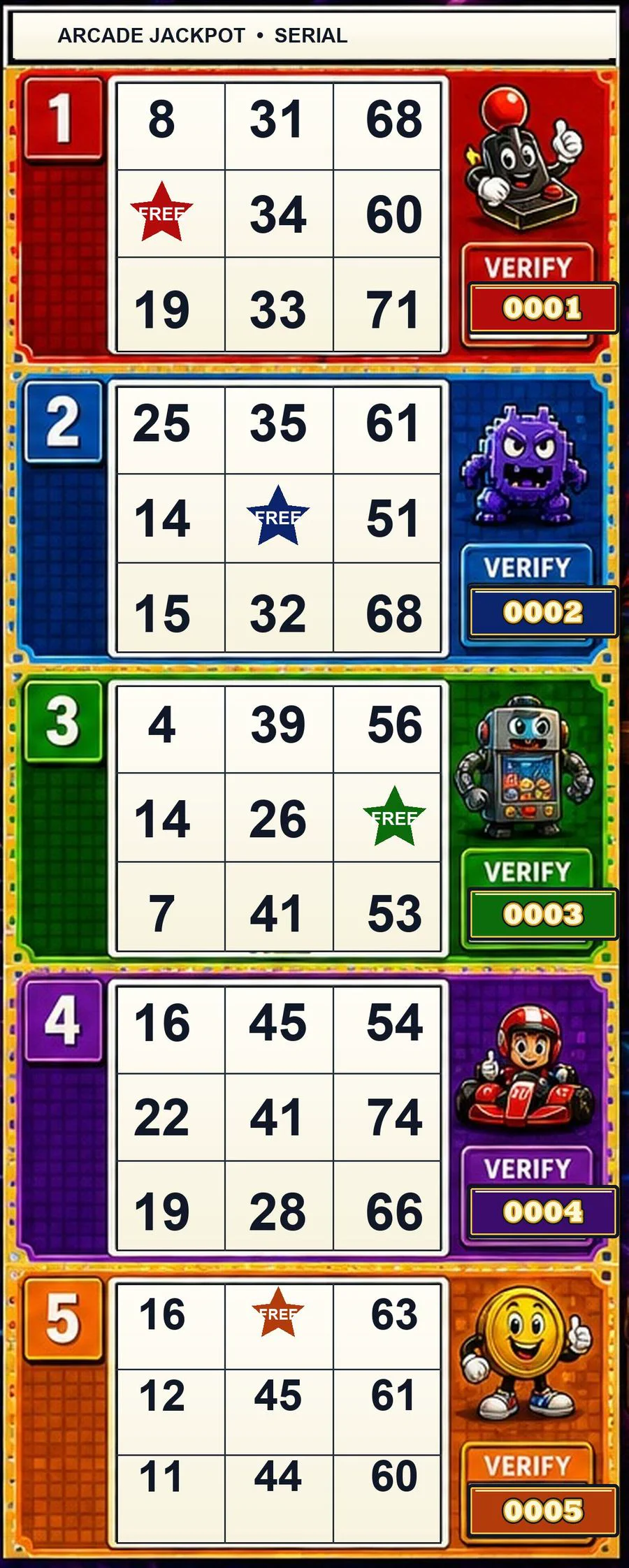
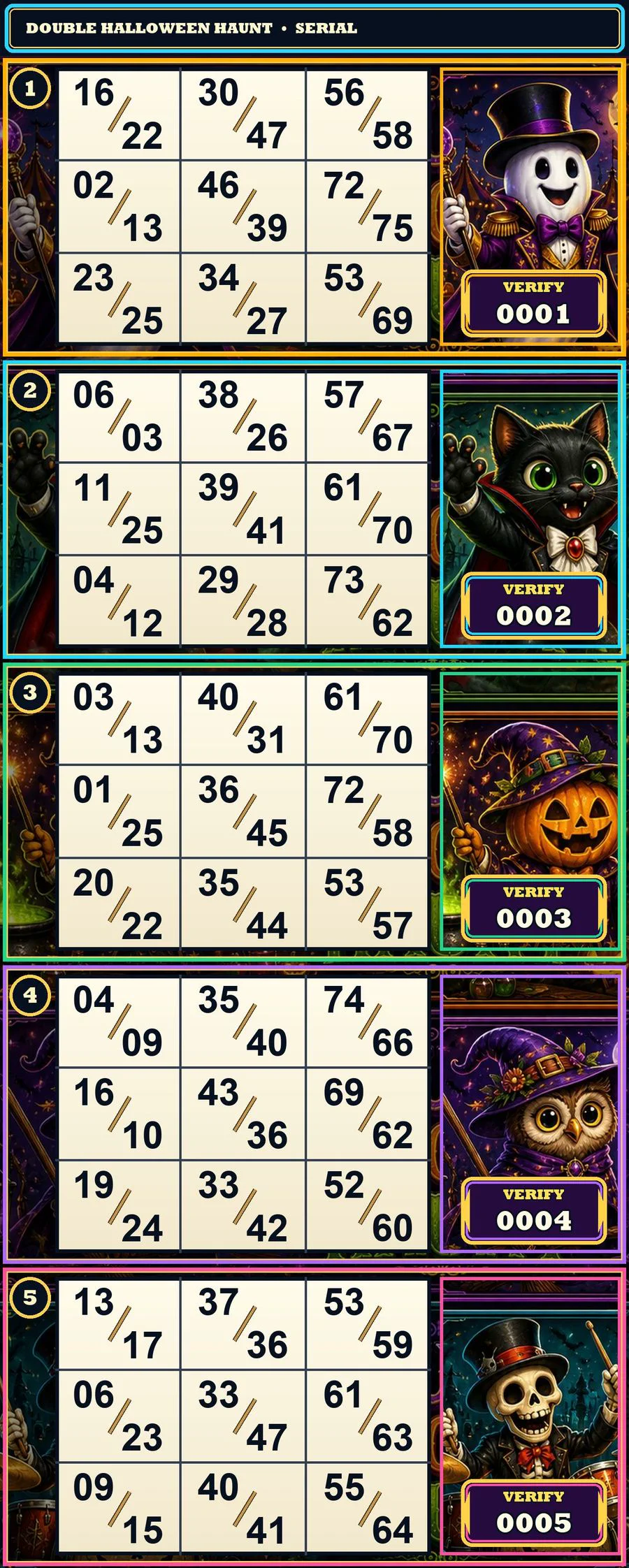
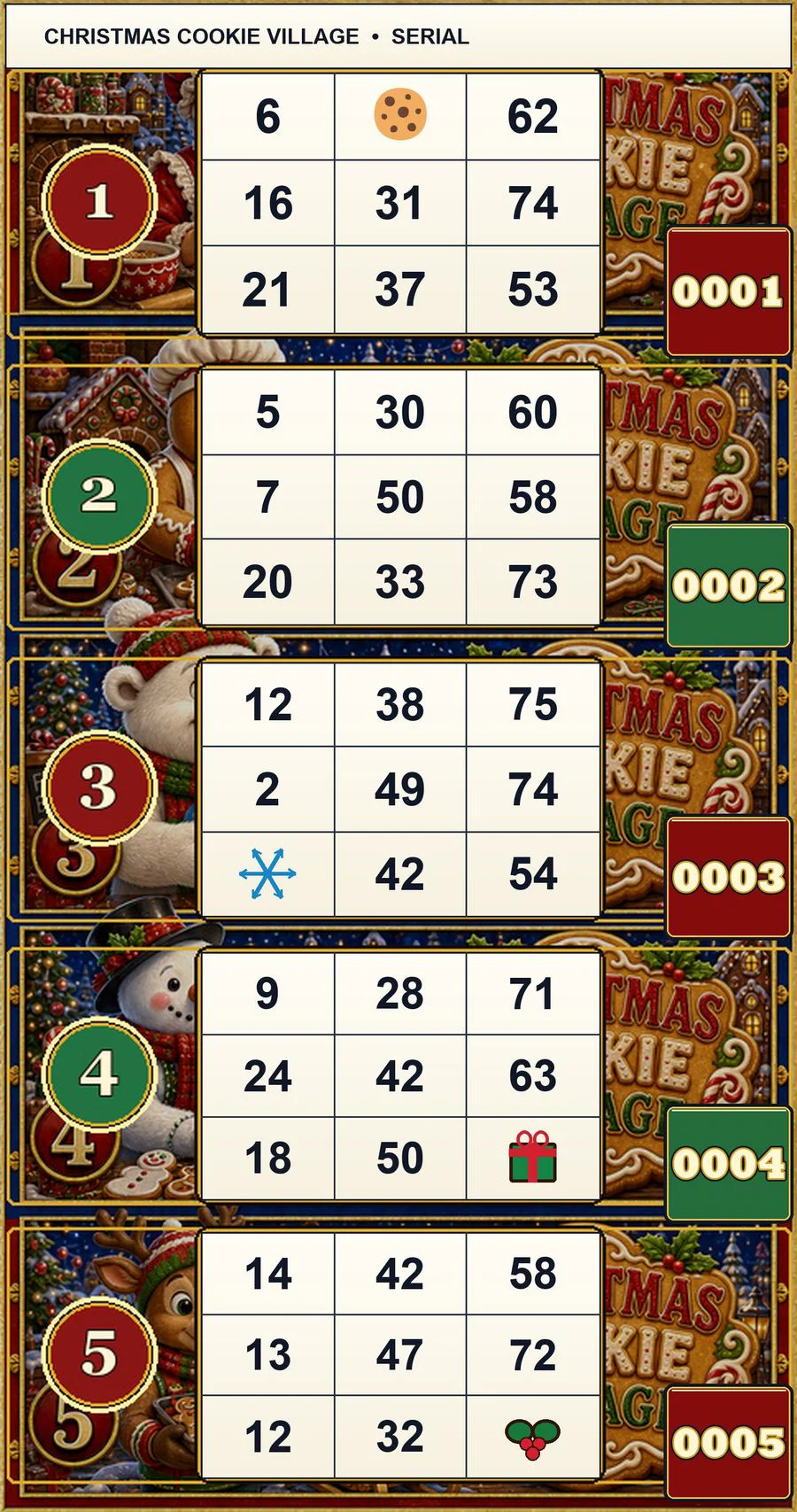
New printable pull-tab collection
Explore Straight Five, Lucky FREE, twist, choice, Hot Spot, and other categories. Every category includes 75 finished themes and five nested game sizes.
Multi-brand paper verification
Lucky Squares verifies these leading paper families and supports its own permanent Lucky Squares paper. The list below is arranged alphabetically.
The complete Lucky Squares platform
Choose the tools that fit your operation today, then add more calling, player, printing, register, reporting, and entertainment features whenever your hall is ready.
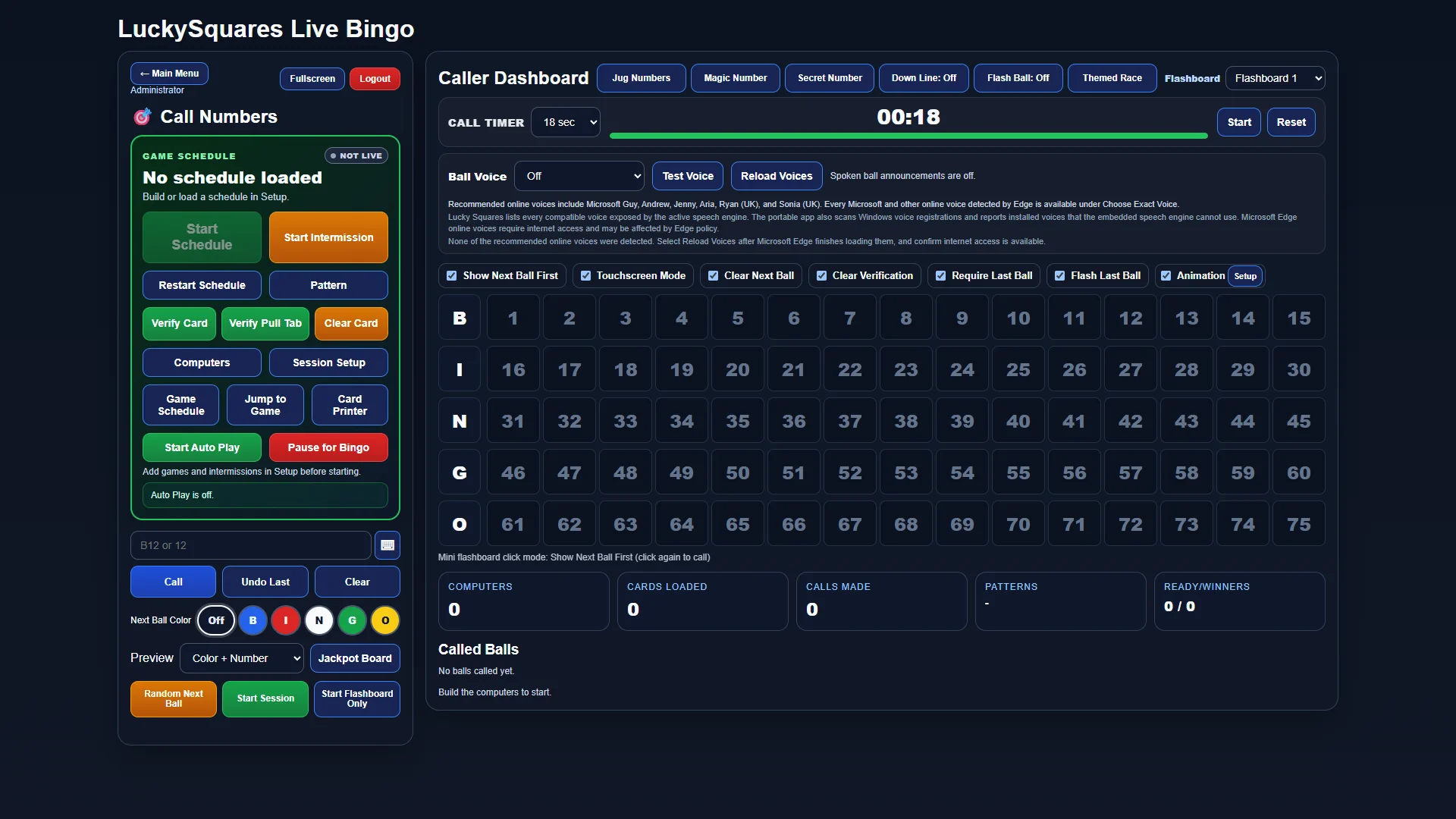
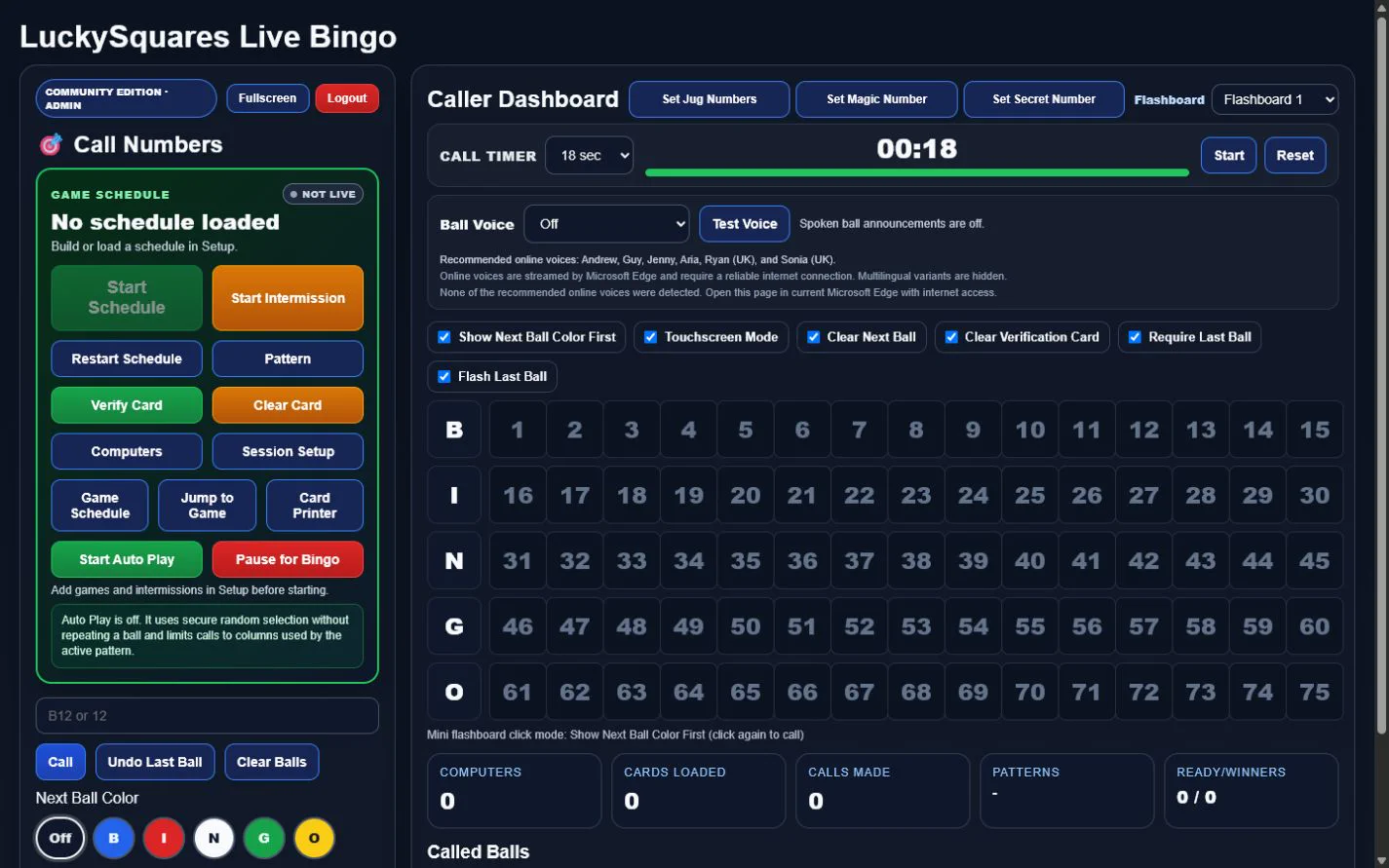
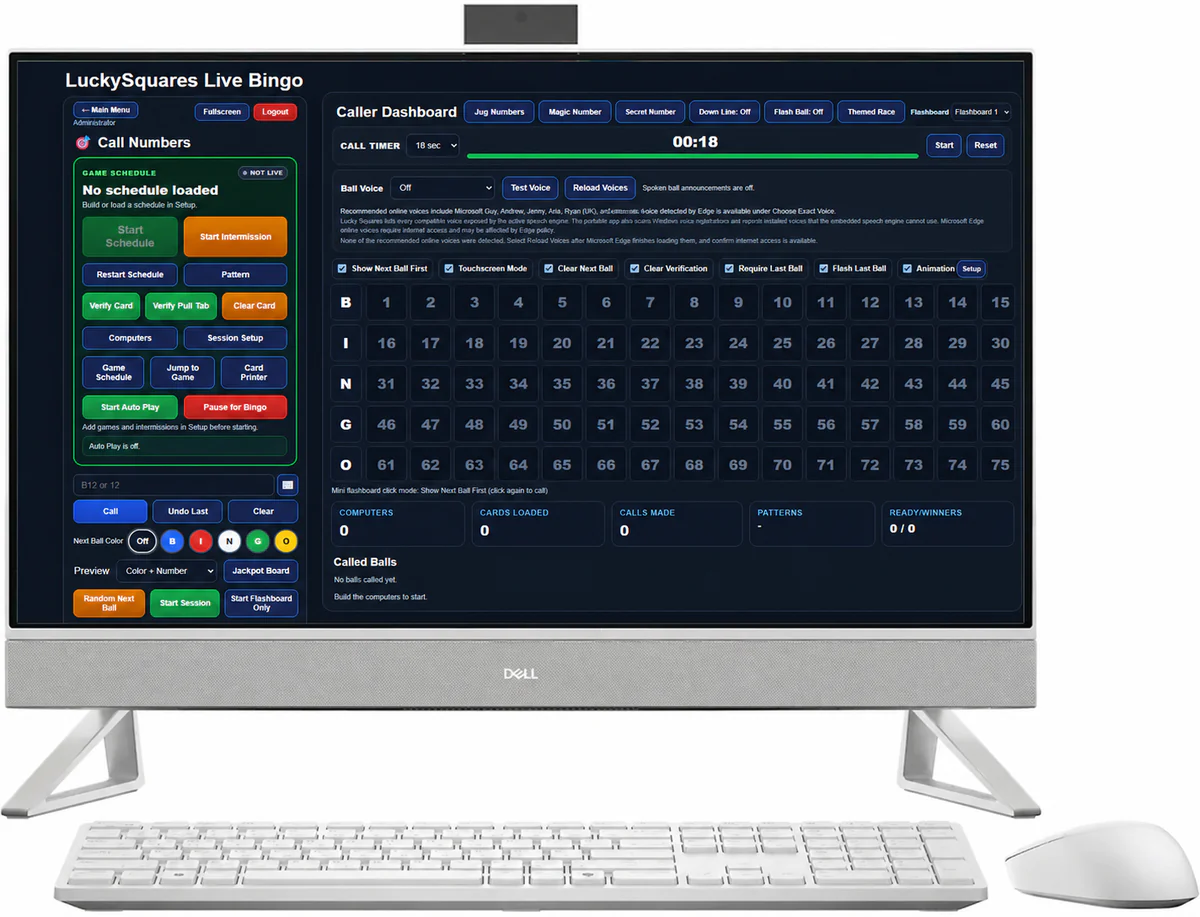
CURRENT FULL-SCREEN VIEWRun the complete game from one current caller screen: call or undo balls, follow the live pattern, use timers and voice controls, manage schedules and computers, verify cards and pull tabs, and launch Down-Line or themed races. Called balls, the next ball, player computers, and connected displays remain synchronized throughout the session.
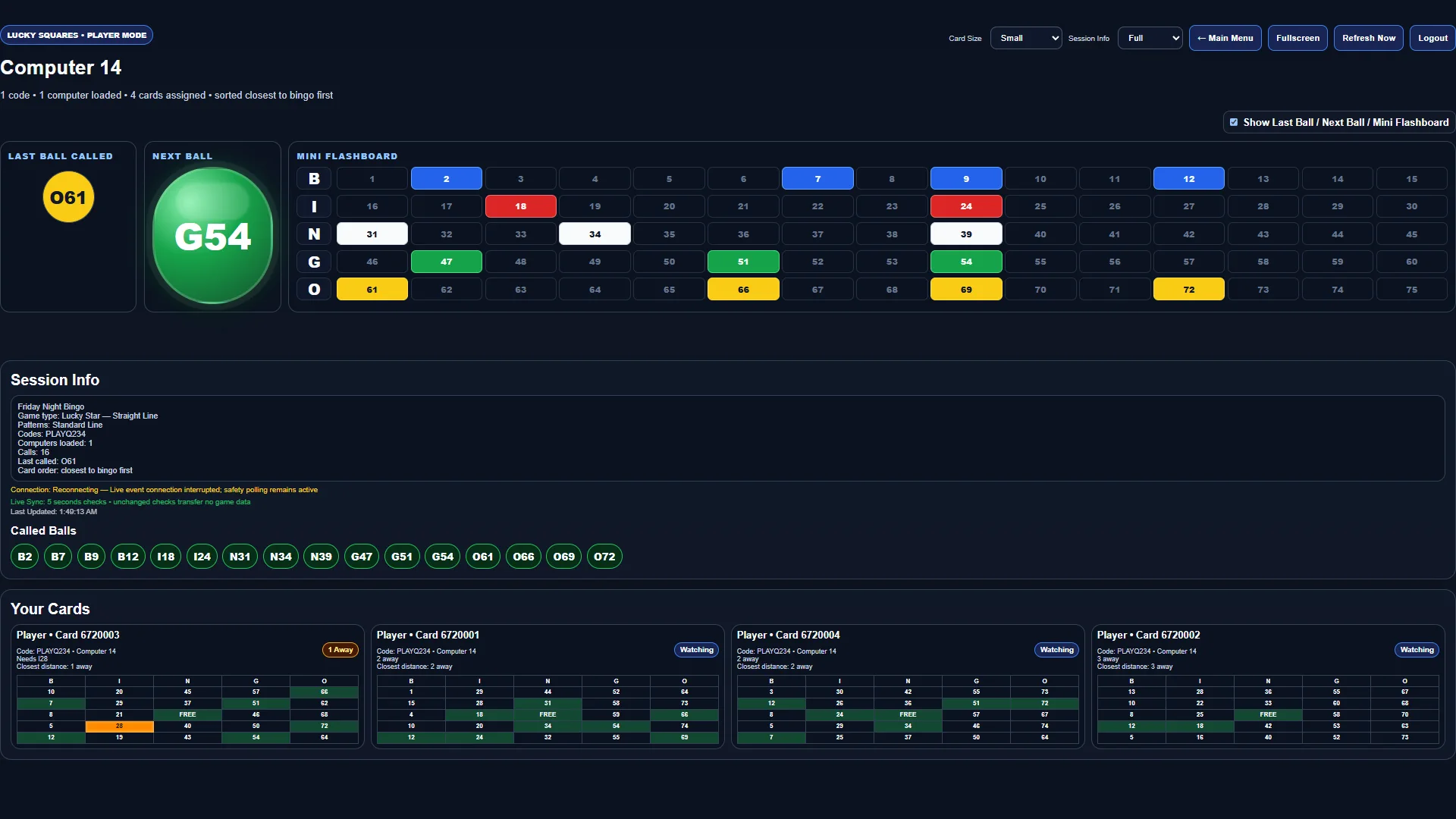 CURRENT FULL-SCREEN VIEW
Each player computer opens with its assigned cards already loaded. Players see the last ball, the next ball, a complete mini flashboard, session details, and every card in play. As the caller announces a number, matching spaces mark automatically and cards are sorted closest to bingo first, so players can follow many cards without losing their place.
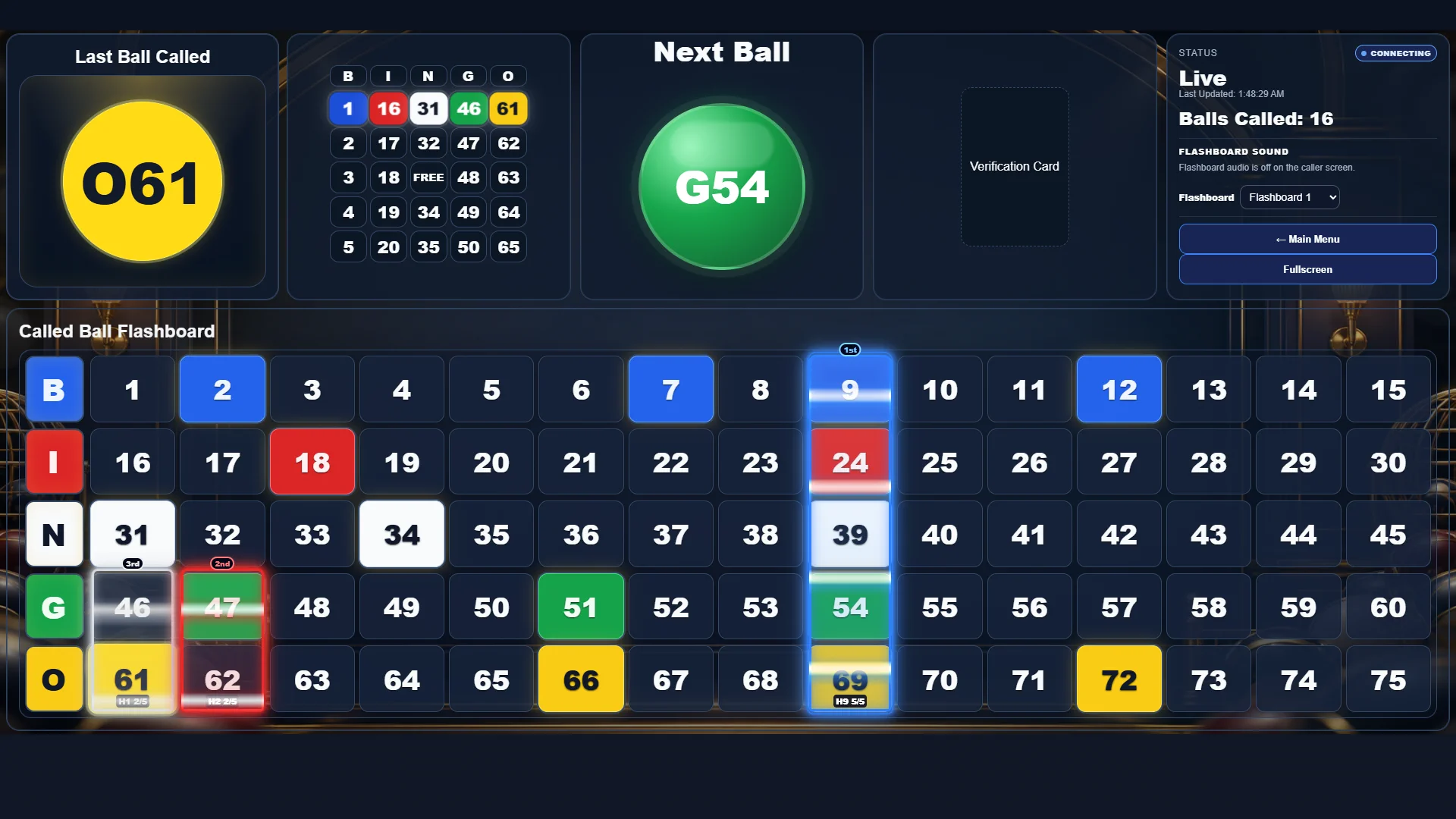
CURRENT FULL-SCREEN VIEWYour TV or projector keeps the last ball, next ball, active bingo pattern, live status, verification area, and all 75 numbers visible without scrollbars. With Down-Line active, each of the 15 racers follows a five-number line. Matching calls fill the racer's glowing track, the leaders update automatically, and the first racer to collect all five numbers wins.
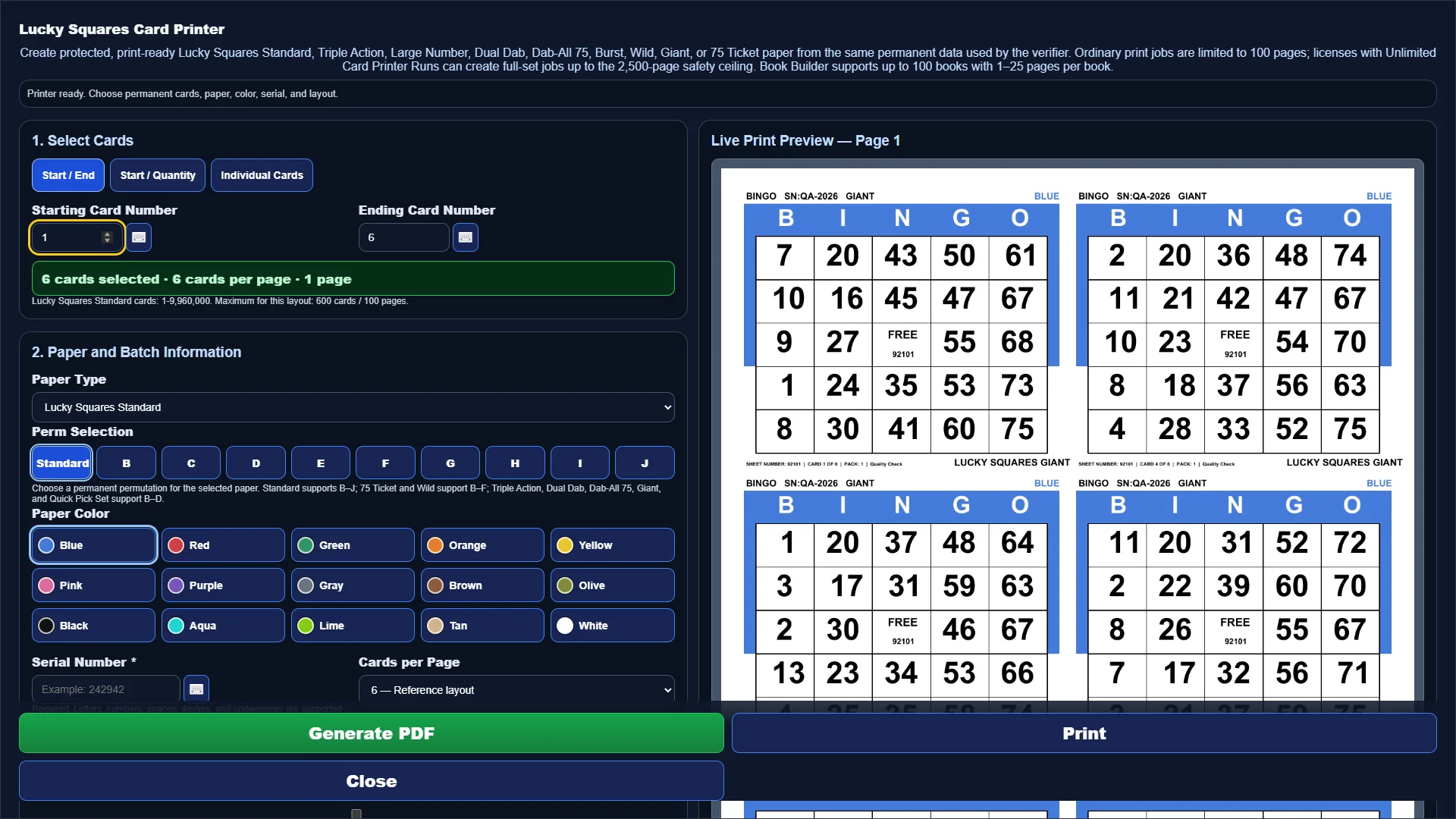 CURRENT FULL-SCREEN VIEW
Select a start and end range, individual permanent numbers, paper family, permutation, color, serial, layout, and pack information from one full-screen workspace. The live preview shows the printed page before you generate the PDF, helping your team confirm the job before paper reaches the printer.
 CURRENT FULL-SCREEN VIEW
Build a custom bingo pattern visually, one square at a time. Add alternate layouts, rotations, mirrors, Hardway rules, and Giant Paper compatibility, then save the finished pattern for future sessions.
 CURRENT FULL-SCREEN VIEW
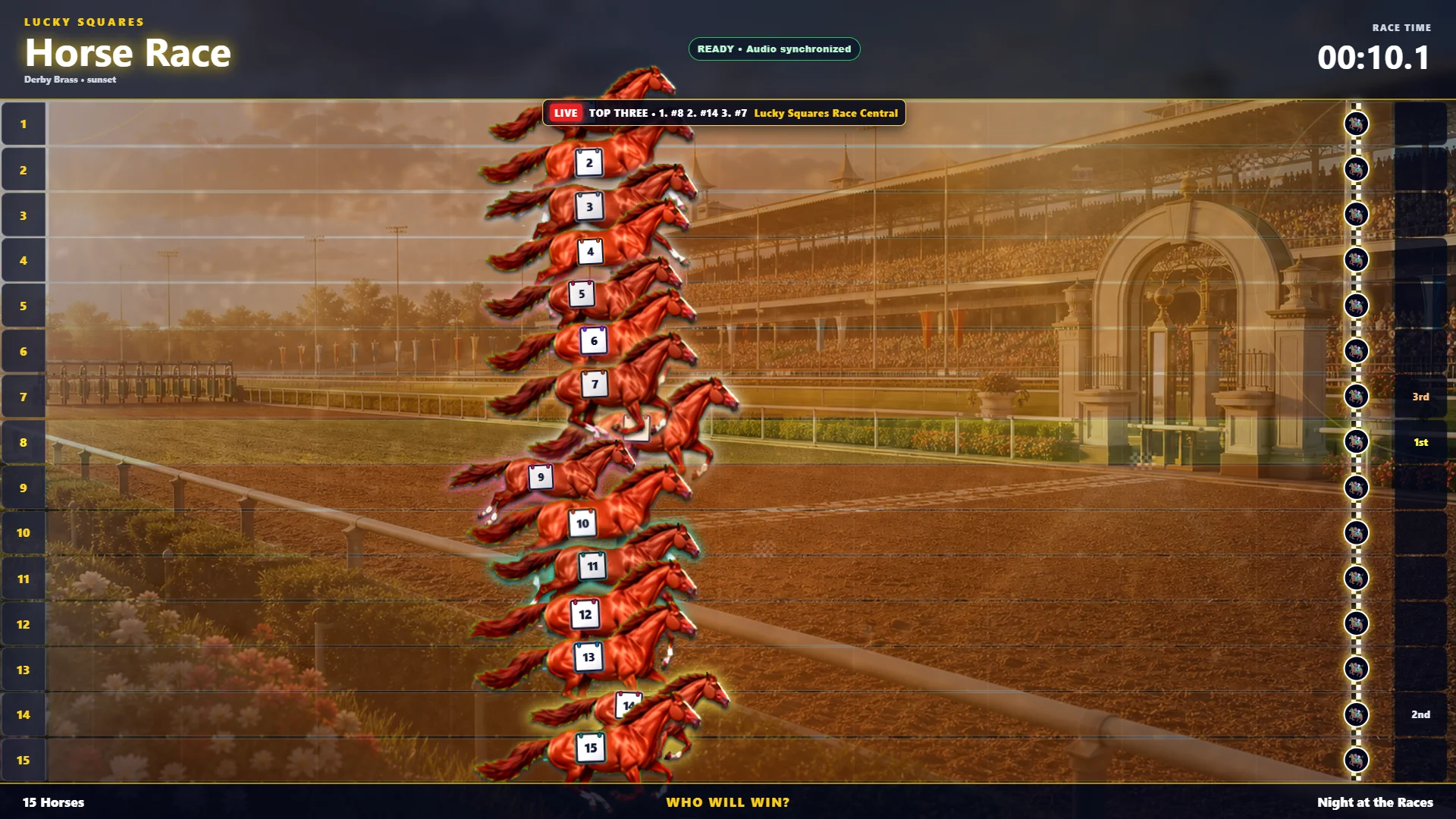
Choose the contestants, full-screen environment, race length, winner options, sound, effects, and prize presentation before the event begins. Save favorite setups as presets so popular race nights are ready to launch again.
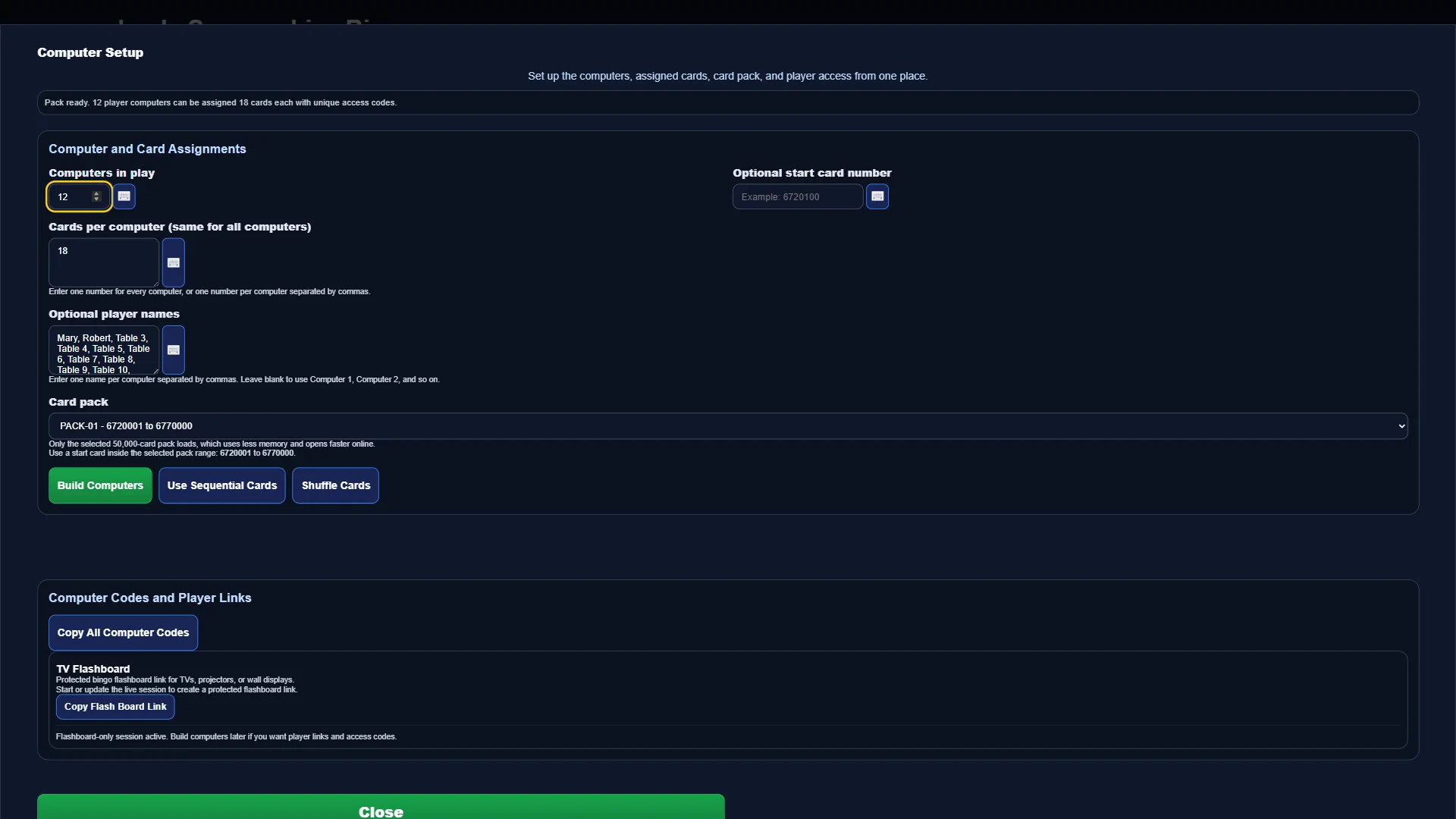
Prepare player computers, assign electronic card packages, issue secure access codes, and keep each device connected to the correct live session. Lucky Squares brings setup and player access into the same hall-wide system as your caller and register.
Open the complete feature tourHall management
Real customer, sales, wallet, loyalty, and reporting tools keep your front desk connected to the same Lucky Squares system running game night.
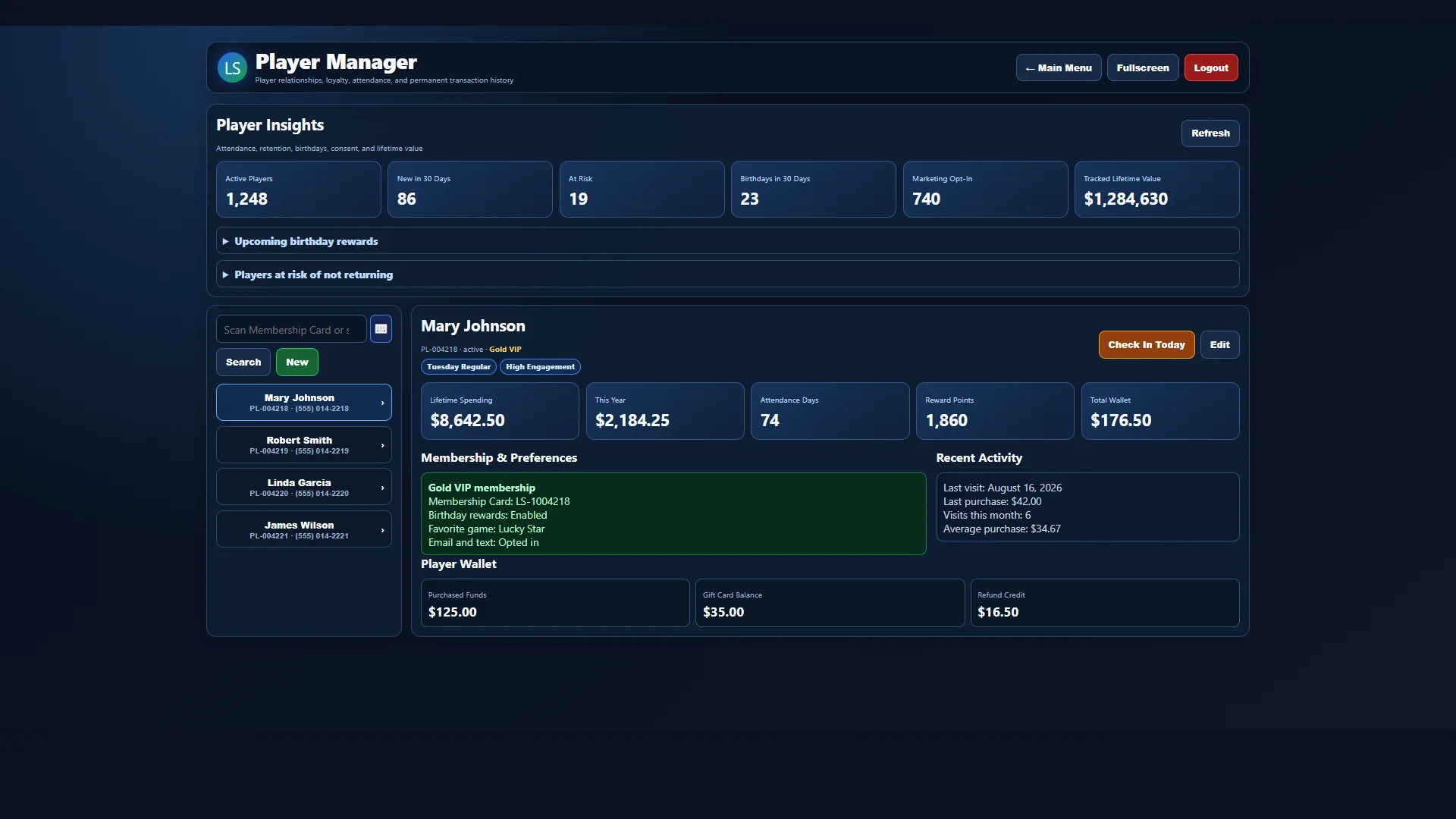
See player profiles, attendance, lifetime activity, membership details, preferences, and at-risk insights from one current screen.
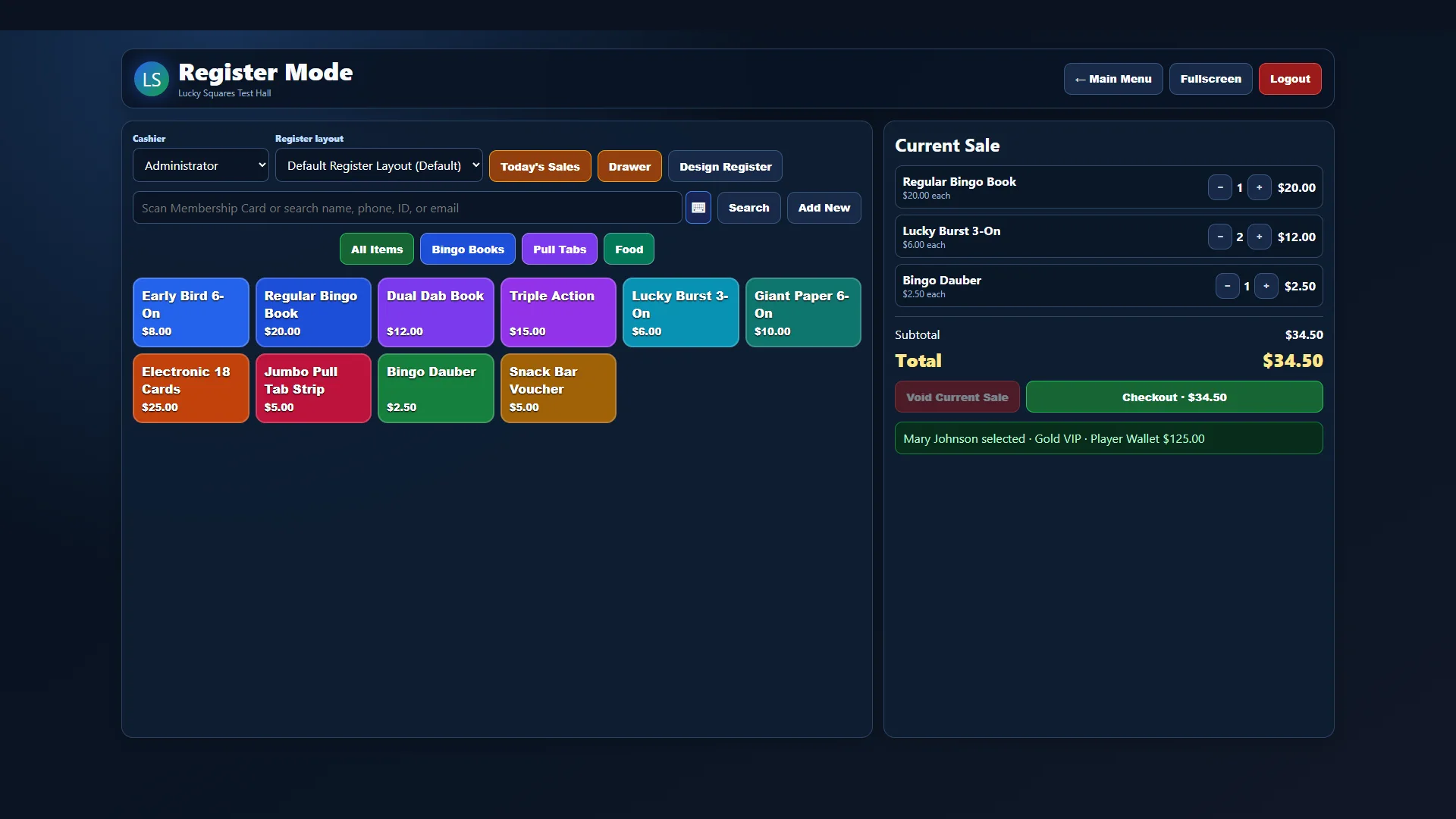
Sell bingo books, action paper, electronic packages, Jumbo Style Pull Tab Strips, daubers, and hall items while connecting the sale to the correct player.
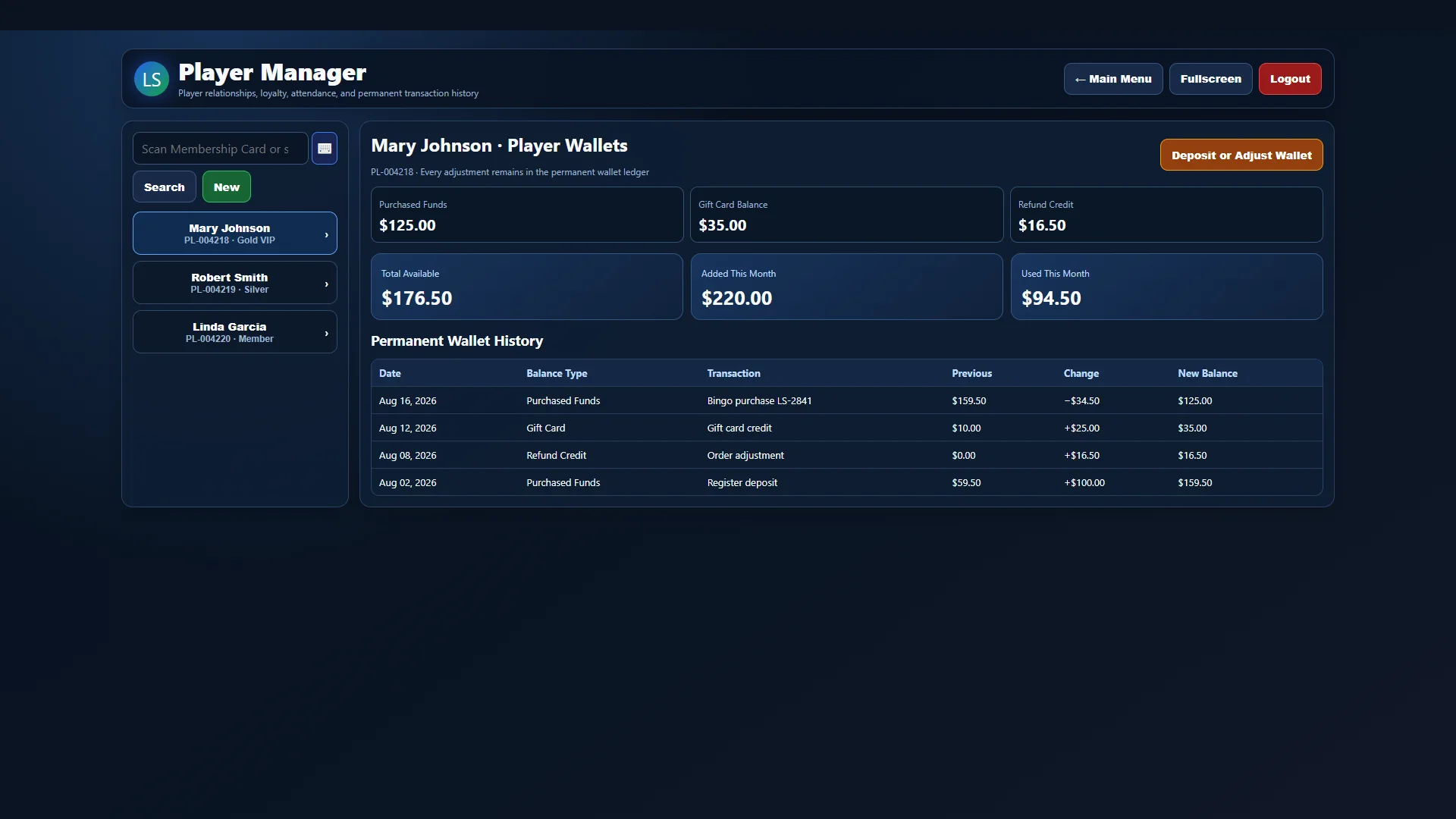
Track purchased funds, gift cards, refund credits, deposits, purchases, and adjustments in a permanent wallet ledger.
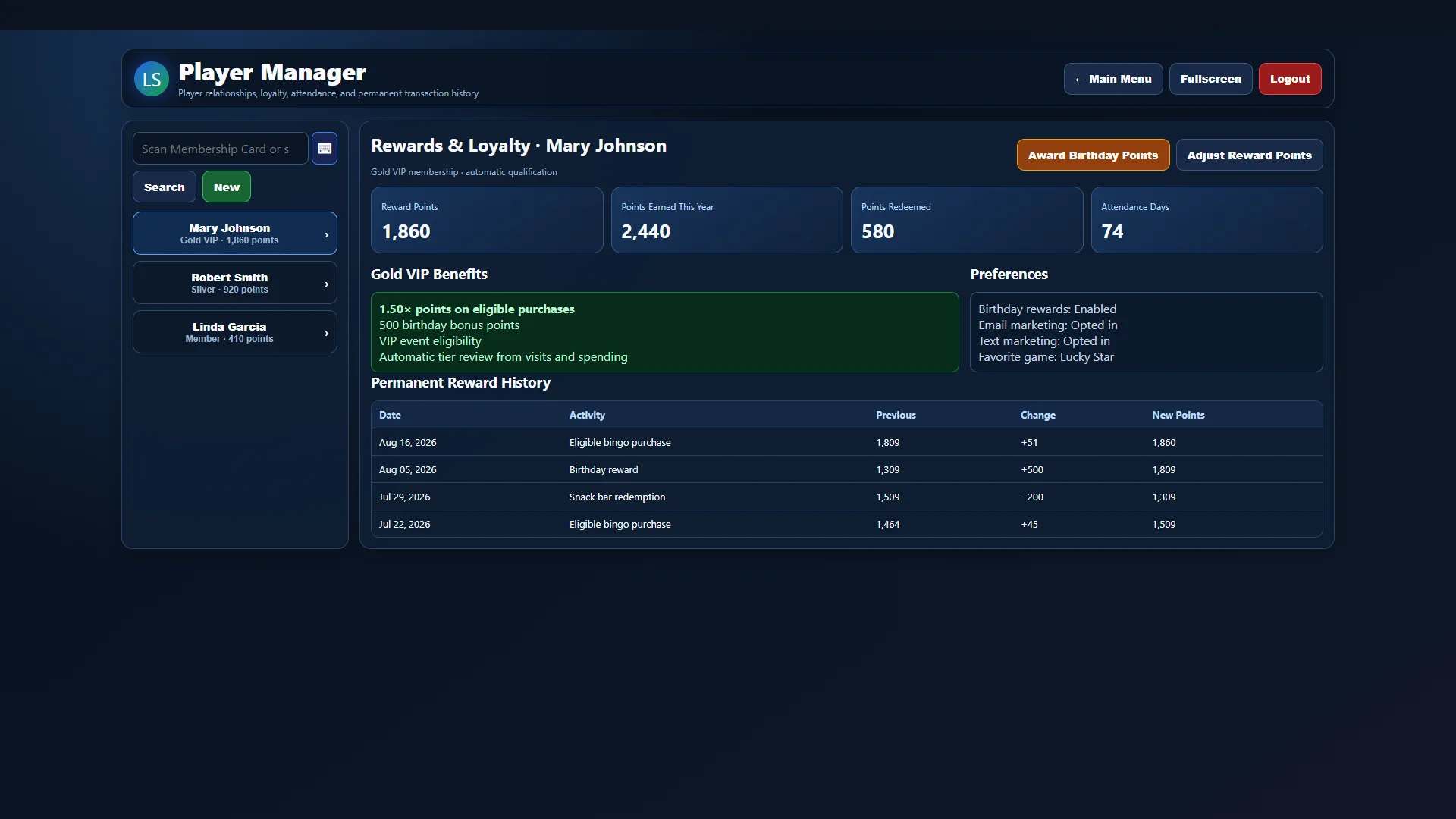
Reward visits and eligible purchases, manage membership benefits, and keep a permanent points history for every player.
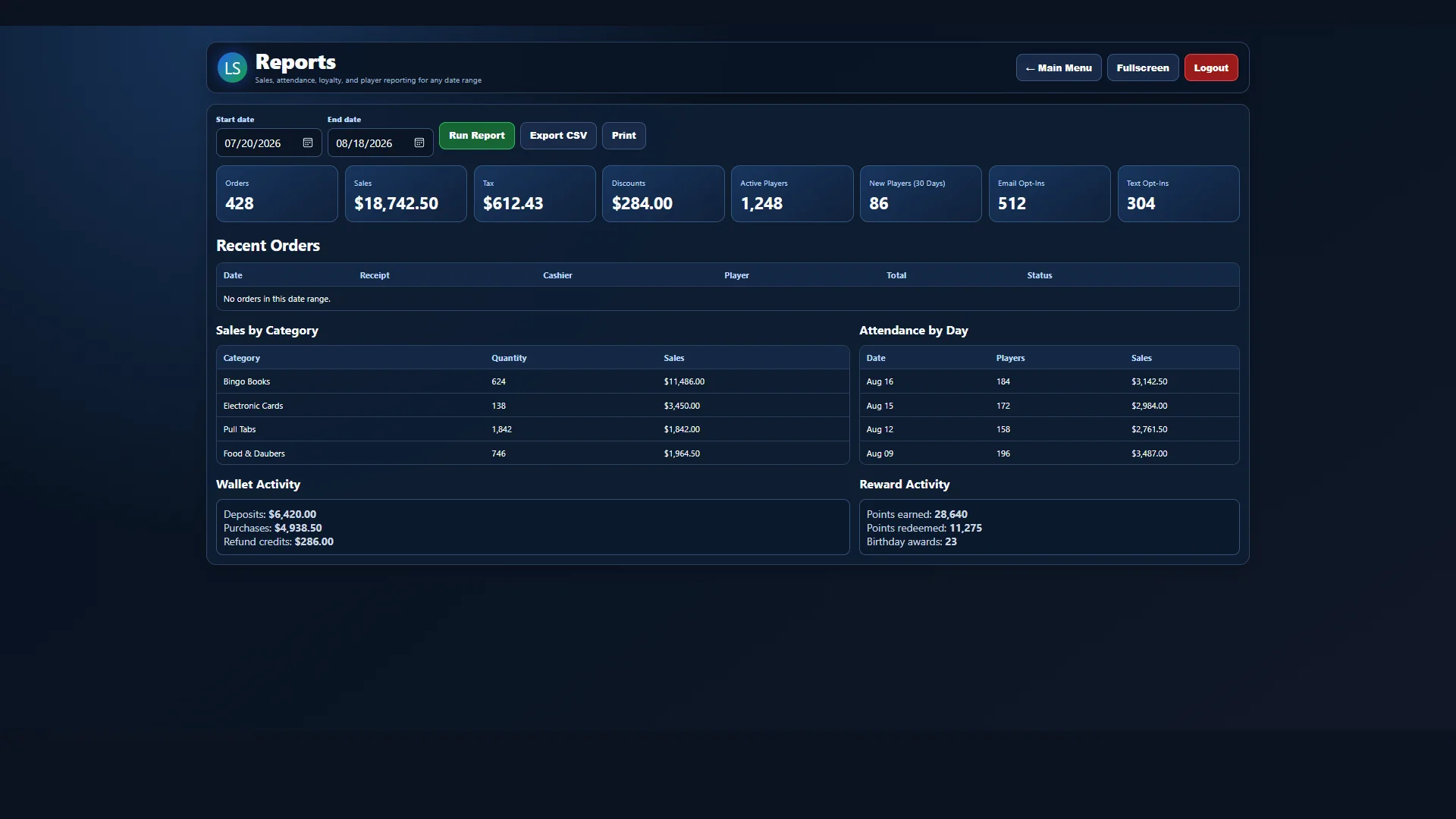
Review sales, orders, attendance, category performance, player growth, wallet activity, rewards, tax, and discounts for the date range you choose.
More than a caller
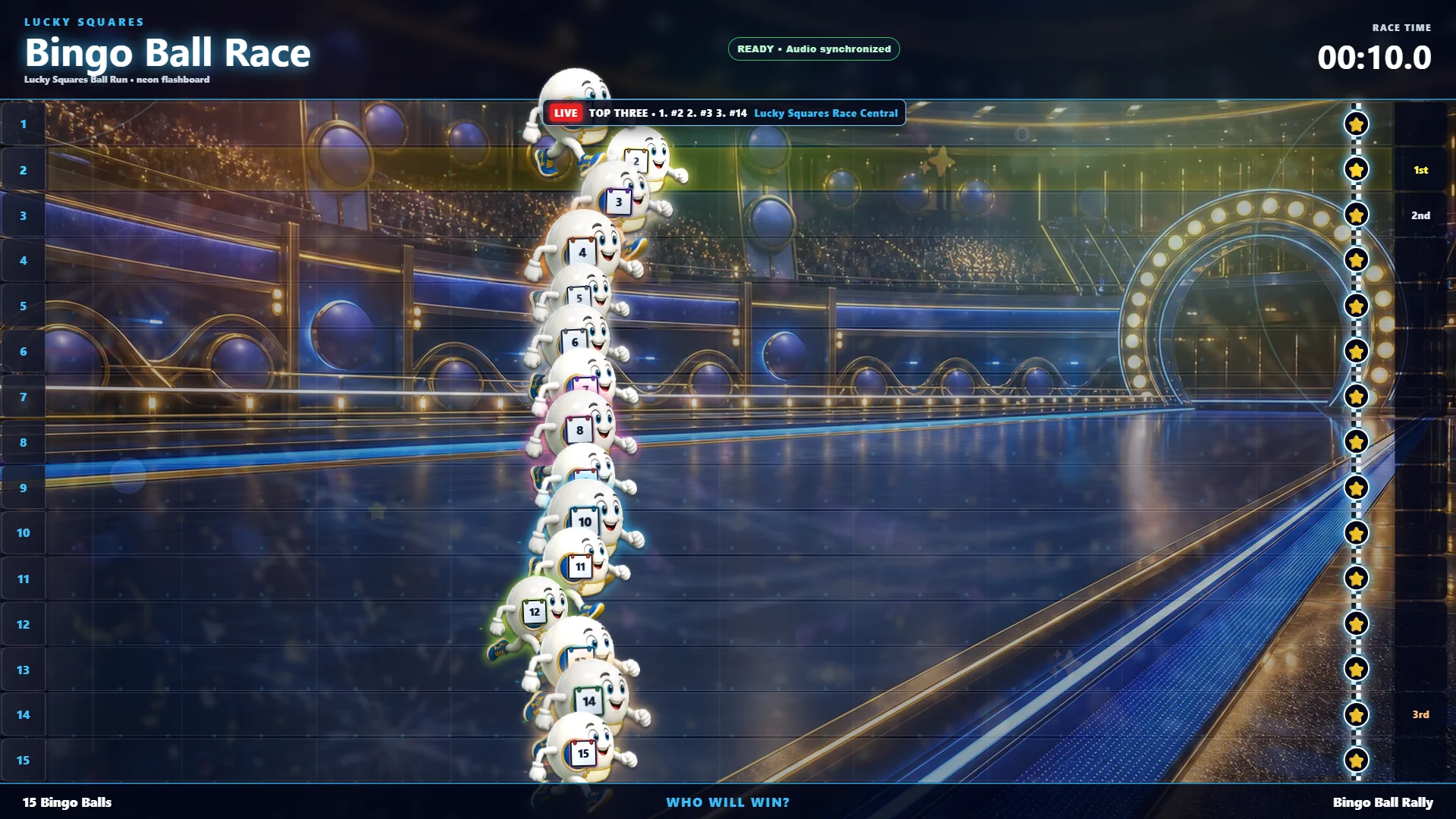
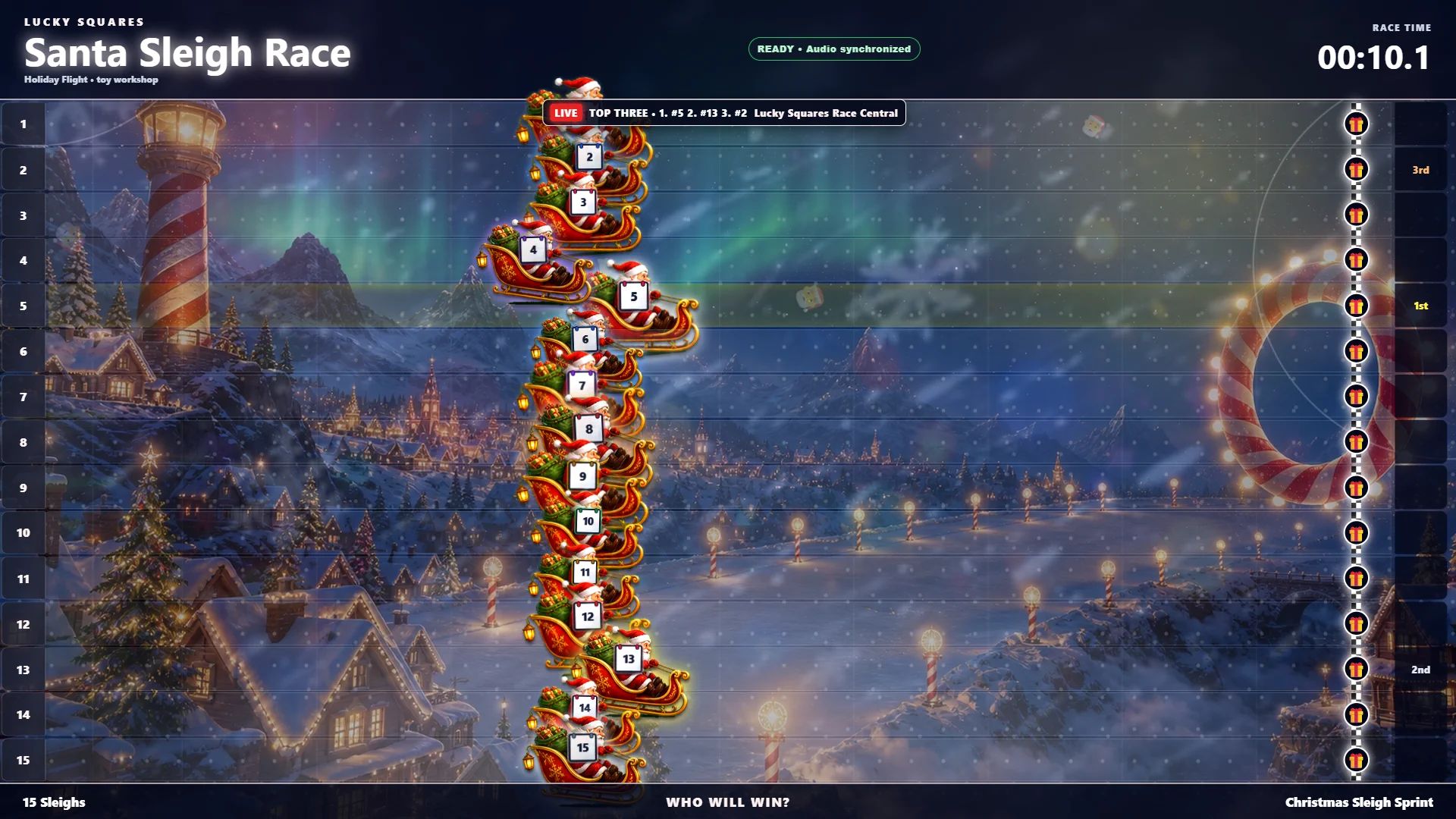
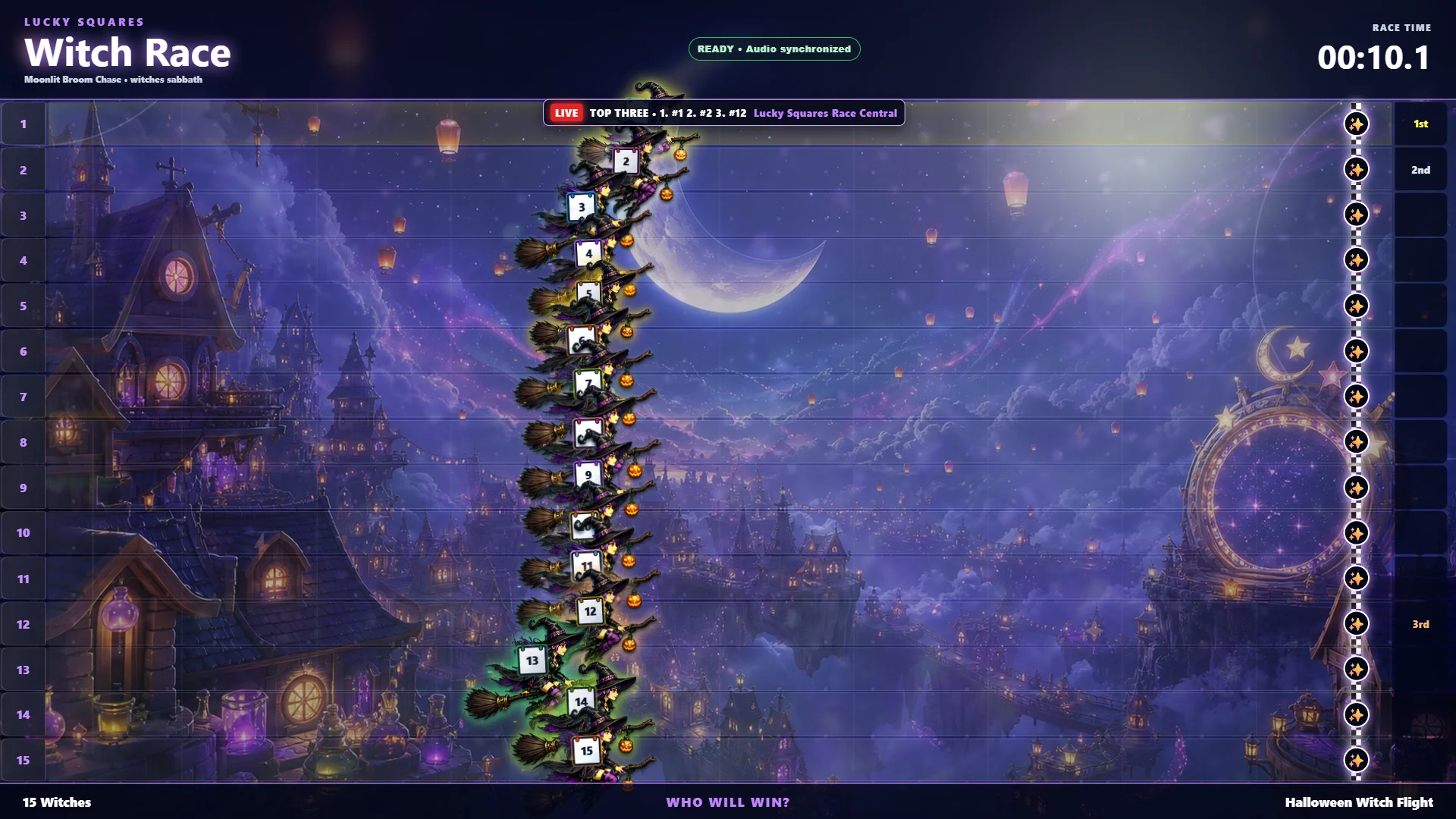
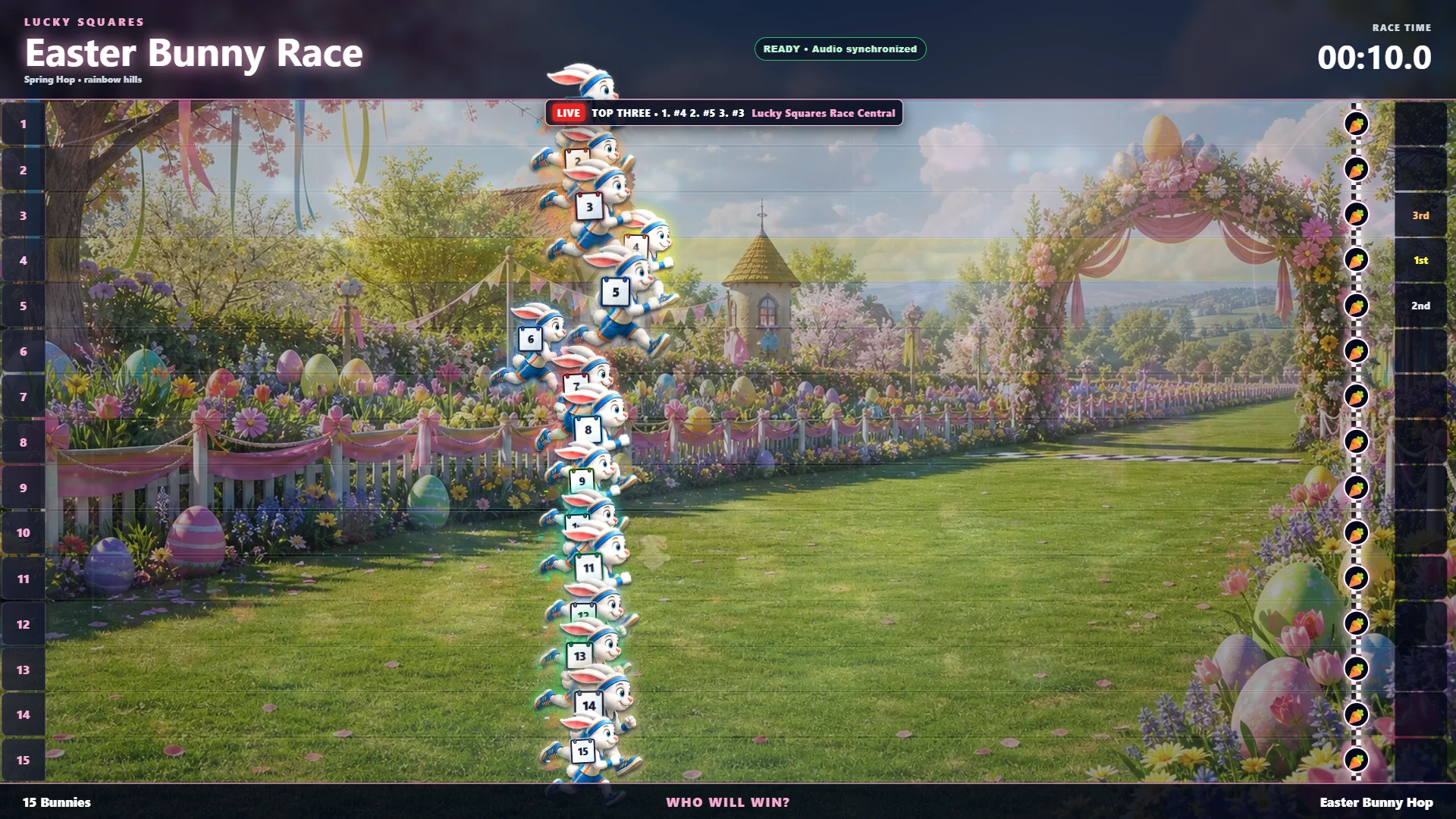
Give your players a full-screen race with real-time standings, animated contestants, themed arenas, and exciting finishes. Choose from 500 themes so holidays, special events, and weekly game nights can each have their own look.
RACE THEME PREVIEWA current full-screen Horse Race with 15 numbered racers, live standings, finish positions, and race time.
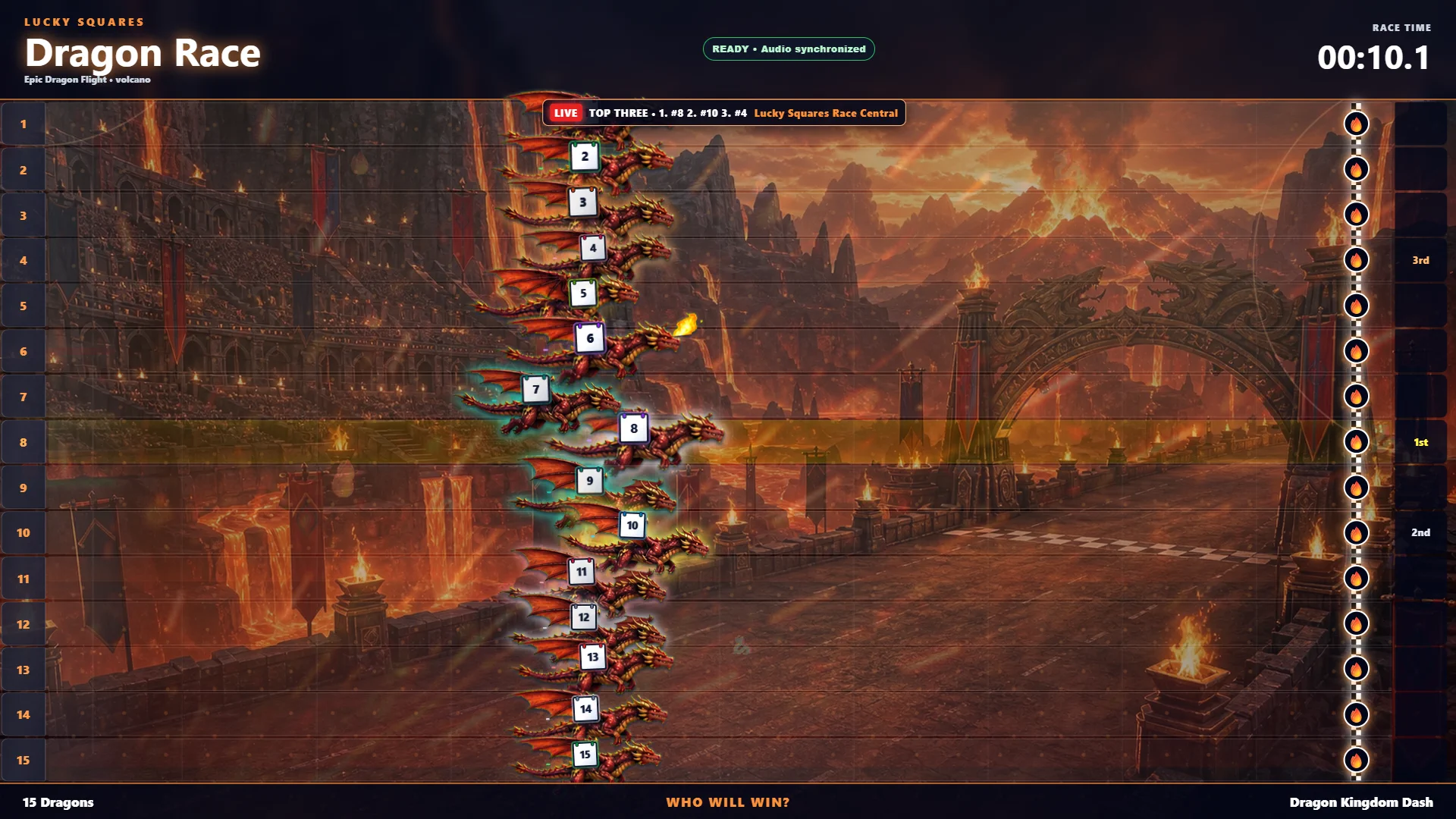
RACE THEME PREVIEWA current full-screen Dragon Race with animated racers, a volcanic arena, and live top-three tracking.
 RACE THEME PREVIEW
A current full-screen Bingo Ball Race that turns the public display into a bright family-friendly event.
 RACE THEME PREVIEW
Santa sleighs race through a snowy holiday village while the live leaderboard follows every position.
 RACE THEME PREVIEW
Fifteen flying witches race across a moonlit magical city with live leaders and themed finish markers.
 RACE THEME PREVIEW
A colorful Easter garden becomes the track for fifteen bunny racers and a room-wide holiday event.
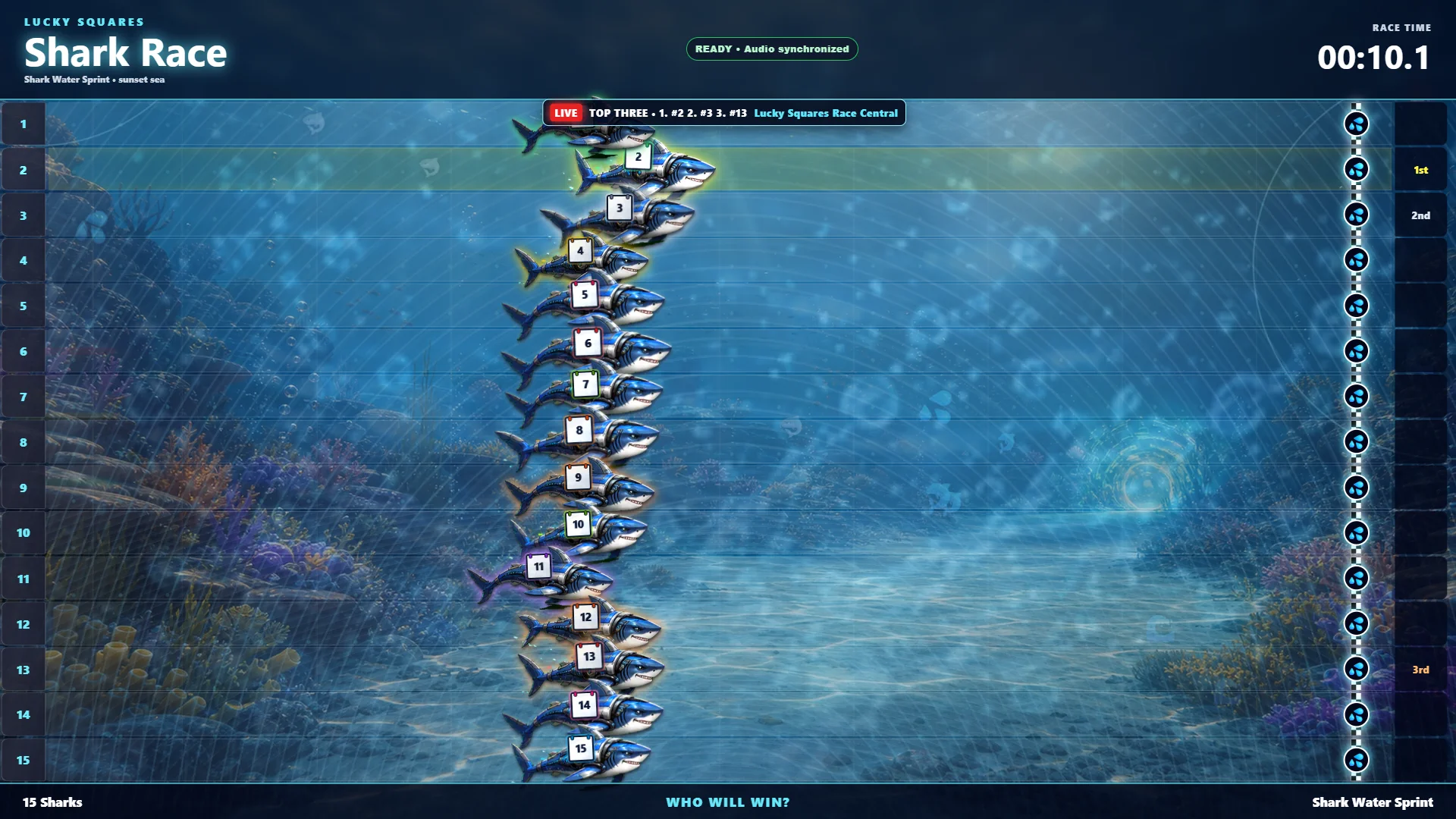 RACE THEME PREVIEW
Sharks race through a bright underwater course while live standings keep the whole room following the leaders.
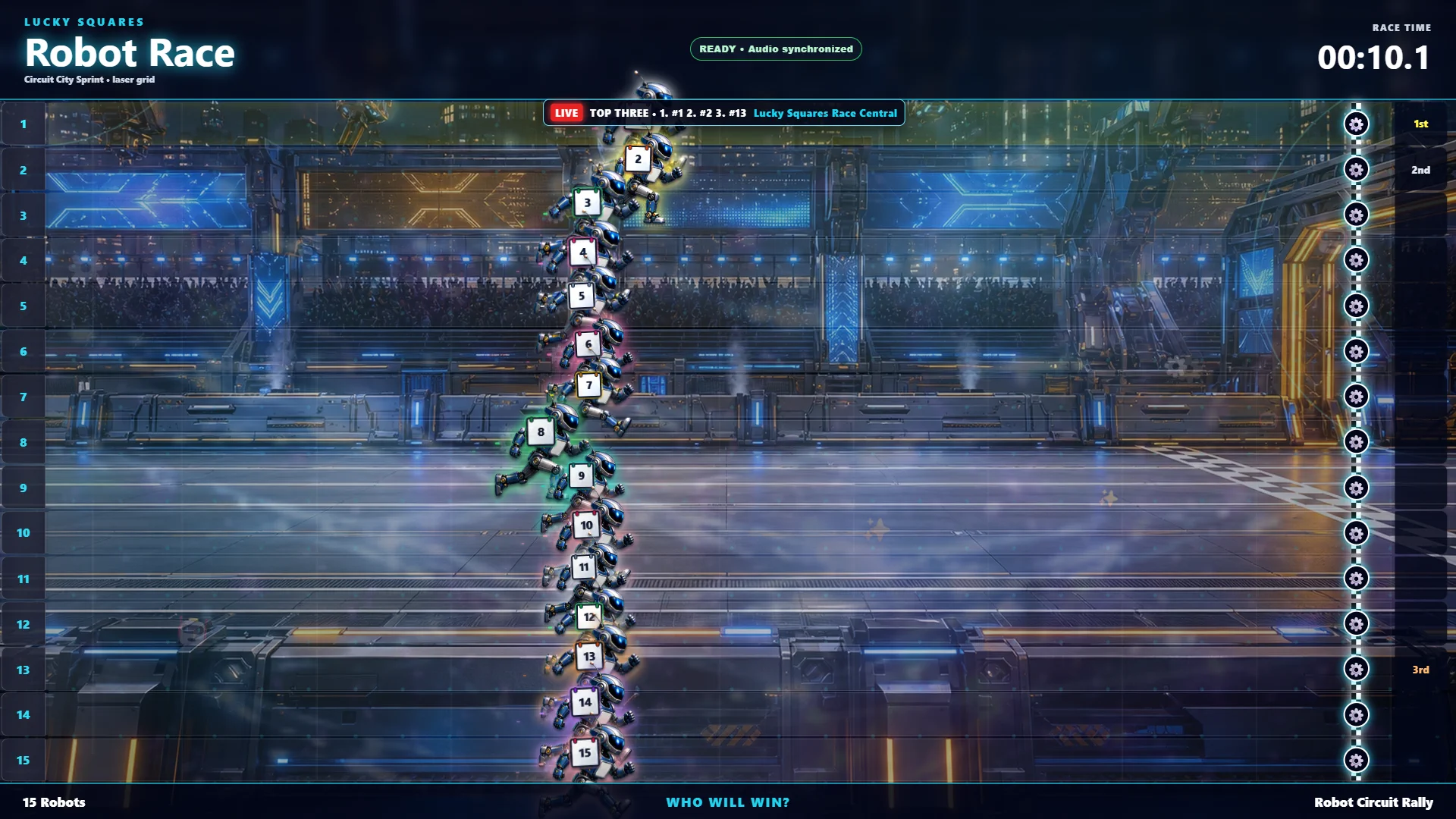 RACE THEME PREVIEW
Fifteen robots charge through a glowing circuit-city arena with animated positions and a live finish order.
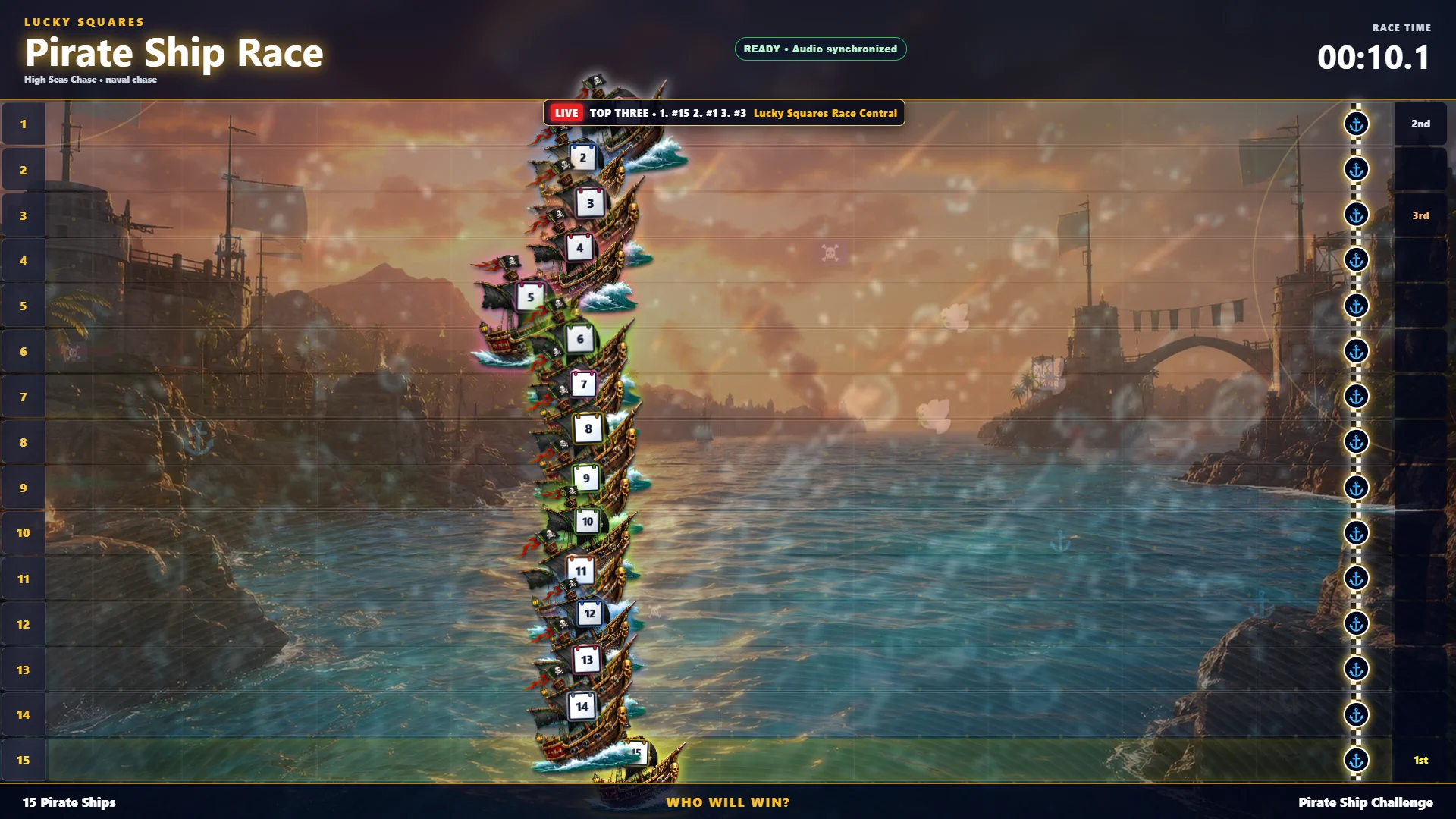 RACE THEME PREVIEW
Colorful pirate ships compete across open water in a full-screen race built for a lively game-night crowd.
Packages & pricing
Compare software-only options for your compatible Windows PC and packages that include a touchscreen computer, along with pricing, features, and computer activations.
One-time event access
A one-time option for a fundraiser, special bingo, or short event, with time to prepare and test before game day. After payment, a unique $25 Paper Store voucher is generated automatically.
monthly plan
The core tools a smaller hall needs to call, display, schedule, and verify every game with confidence.
Works on any compatible Windows computer with a 1920×1080 display.
The full-screen Flashboard requires an available display output and a connected TV, monitor, or projector supporting at least 1920×1080.
For multiple screens, use an additional compatible video output for each independently connected display, or an HDMI splitter or matrix that supports 1920×1080 to show the same Flashboard on several displays.
monthly plan
Connect daily hall operations with premium races, Down-Line, Jumbo Style Pull Tab Strips, printing, player service, sales, rewards, and advanced reports.
Works on any compatible Windows computer with a 1920×1080 display.
The full-screen Flashboard requires an available display output and a connected TV, monitor, or projector supporting at least 1920×1080.
For multiple screens, use an additional compatible video output for each independently connected display, or an HDMI splitter or matrix that supports 1920×1080 to show the same Flashboard on several displays.
monthly plan
The complete Lucky Squares platform, including electronic player computers and every software module.
Works on any compatible Windows computer with a 1920×1080 display.
The full-screen Flashboard requires an available display output and a connected TV, monitor, or projector supporting at least 1920×1080.
For multiple screens, use an additional compatible video output for each independently connected display, or an HDMI splitter or matrix that supports 1920×1080 to show the same Flashboard on several displays.
Limited-time ownership offer
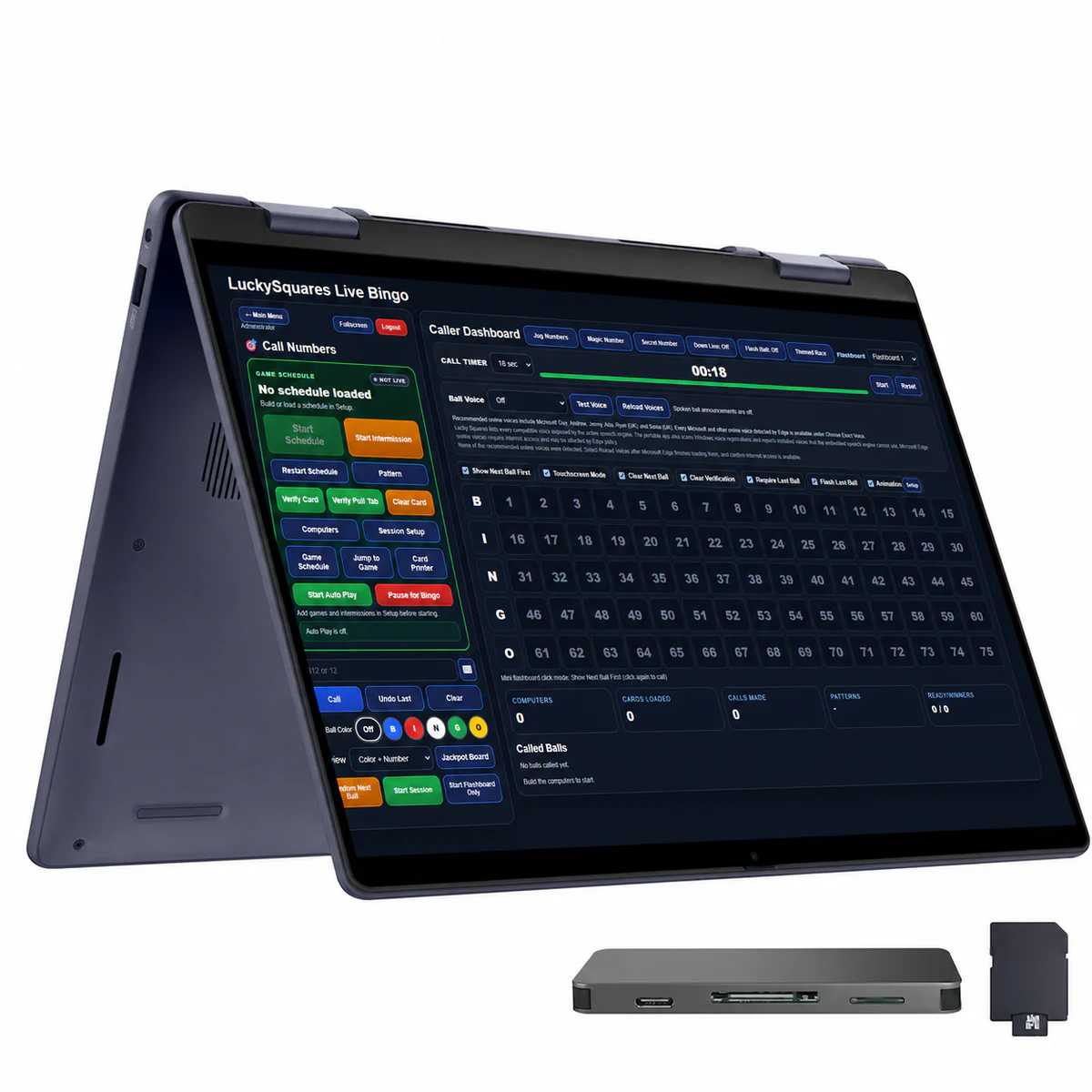
Make one purchase and receive the complete Lucky Squares hall platform with your choice of one qualifying touchscreen all-in-one computer or touchscreen laptop, prepared with the Lucky Squares Caller Dashboard.
Trust you can see inside the software
Lucky Squares gives your hall visible safeguards—not vague promises. Random calls can be cryptographically verified, permanent paper returns to permanent card data, backups are encrypted, updates are signed, and each employee can receive only the access their job requires.
Questions answered
Both options are available. Lucky Squares is fully touchscreen compatible and can run on a compatible Windows PC with a 1920×1080 display, or you can choose a package that includes a touchscreen computer. A public flashboard also needs an available video output that supports 1920×1080.
Yes. Choose the package that best fits your operation, including options for the card printer, Jumbo Style Pull Tab Strips, player tools, register tools, races, and other premium features.
Yes. You can begin with the tools your hall needs now and add more features or computer activations as your operation grows.
Yes. Protected paper generators and permanent data keep printed card numbers aligned with the verifier.
Yes. Qualifying packages support a complete 1,440-strip front-and-back set in one print job.
The installed application can use protected time-limited offline access during a genuine short outage, helping your authorized system remain available while service returns.
Yes. Lucky Squares can verify many leading Capitol, Bingo King, Unimax, Arrow, and American Games paper families in addition to permanent Lucky Squares paper.
Let's build your package
Tell us how your hall operates and which parts of the platform matter most. We'll help you choose a package, activation count, and paper options.